

Section Styles gallery-border
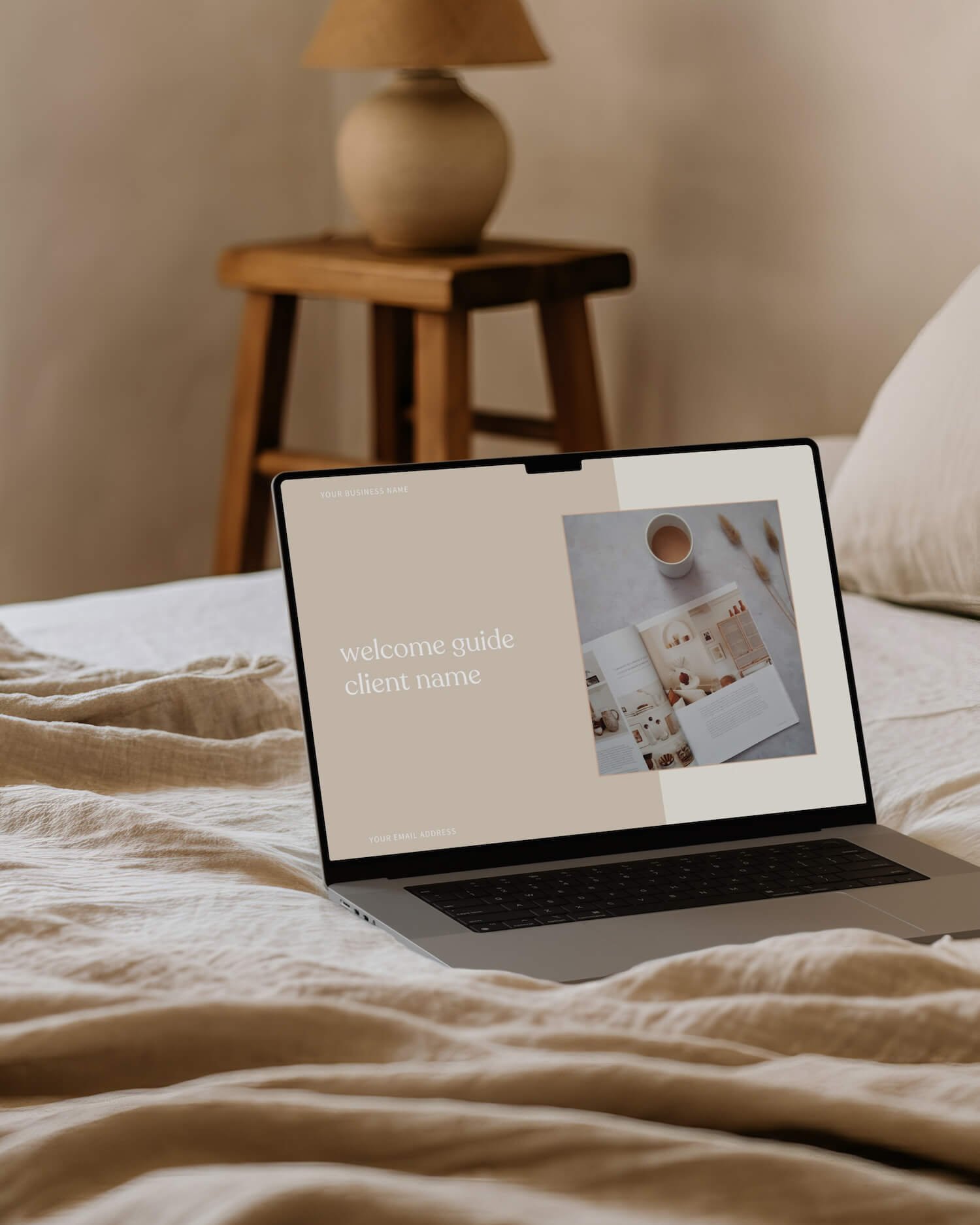
Website design document templates
The website designer document toolkit: for semi-custom or one-week website projects
A complete set of website design document templates for freelance web designers who want to add semi-custom or one-week website services to their suite of offerings. Feel calm, confident and clear managing projects from start to finish.

Beautifully designed document templates, planners, and email scripts – created to help you manage website projects with confidence and ease.
This toolkit gives you everything you need to guide your clients smoothly through a semi-custom or one-week website project – from that very first enquiry to a confident handover – so you can spend less time chasing details and more time doing the creative work you love.
These are the exact website design document templates I’ve used in my studio since 2019 – documents that have supported me through 100+ successful one-week website projects, helping me deliver beautiful, professional websites on time, every time.
No more second-guessing, communication breakdowns, scope creep or project blowouts. These clear, editable web design emails, templates, checklists and questionnaires will help you stay on track, deliver a polished client experience and create websites that leave your clients raving.
What if you could transform your website design business:
-
Wow your clients
Impress your clients with your professional web design documents and process. Help your clients achieve their website and business goals – and enjoy the aligned referrals that endlessly flow in because your clients can’t stop raving about how fabulous you are!
-
Generate a sustainable income
Long, drawn-out custom web design projects that take weeks to complete are a thing of the past! Bring every website project in on time and on budget – meaning more dollars in your pocket and less time behind your screen.
-
Have more time for you
Create a business that is gentle on your nervous system and nurturing for your health. Allow more ease and spaciousness into your life with website design documentation and a web design process that supports you to stick to predictable and consistent timelines.
Introducing the Website Designer Document Toolkit
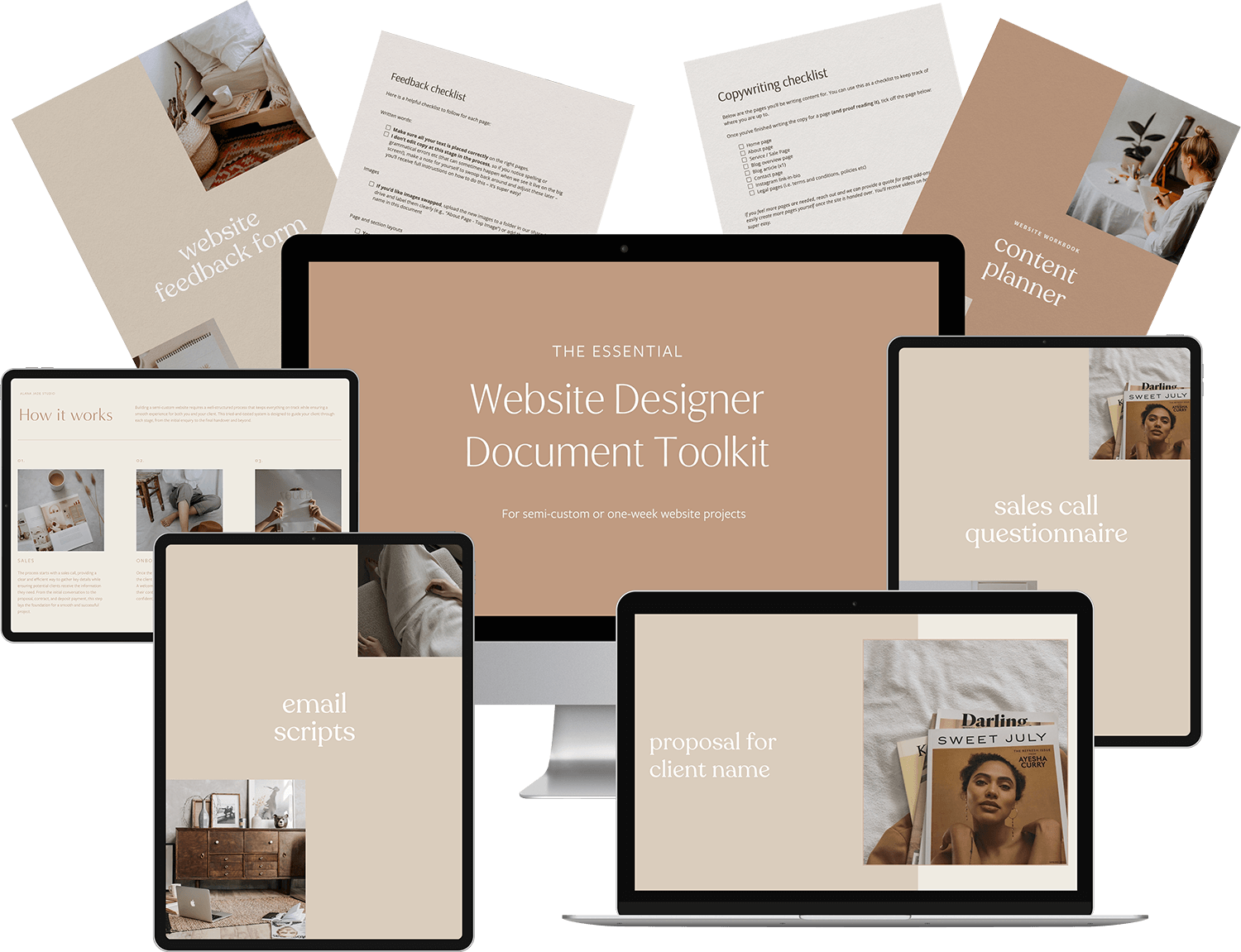
A complete toolkit of web design document examples and templates.
The signature system I’ve used to deliver 100+ successful one-week websites.
-
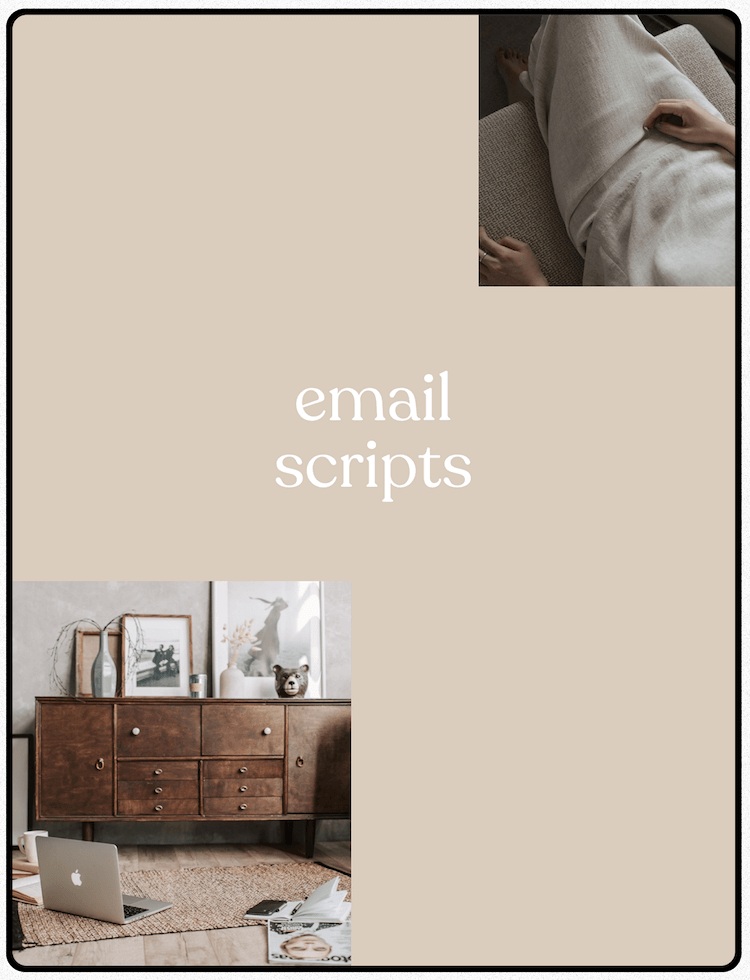
Email scripts
Clearly and confidently communicate with your client through every stage of the project – from booking the sales call through to handover and ongoing support.
-
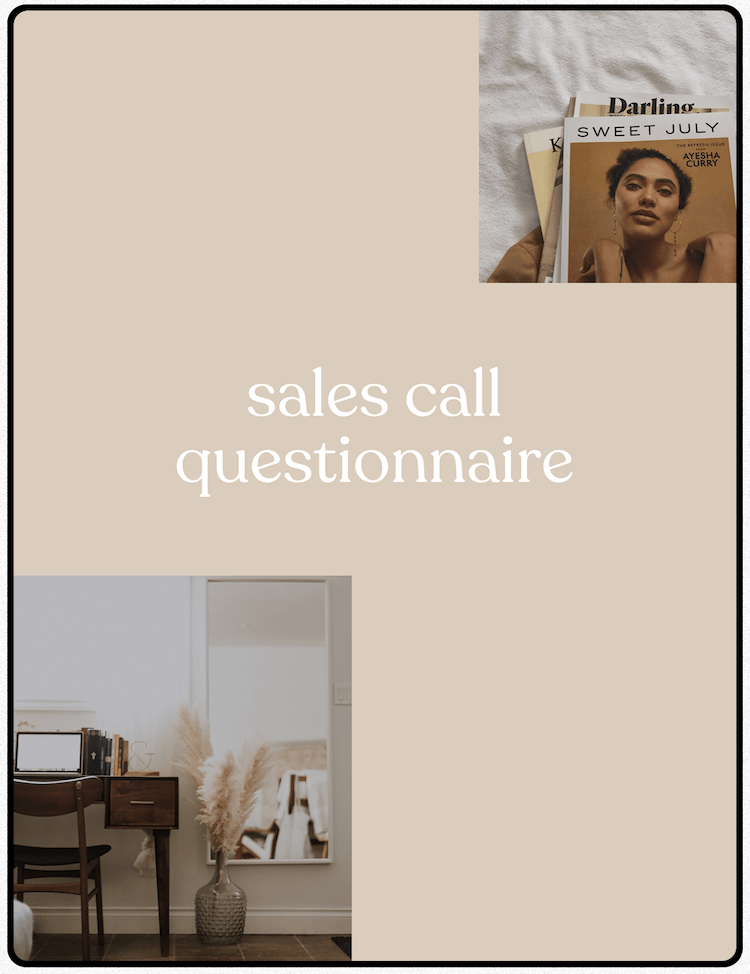
Sales call questionnaire
Step into every sales call feeling 100% prepared. Know exactly what to ask to determine if you’re a fit, your client’s overall goals and which of your packages is best for them.
-
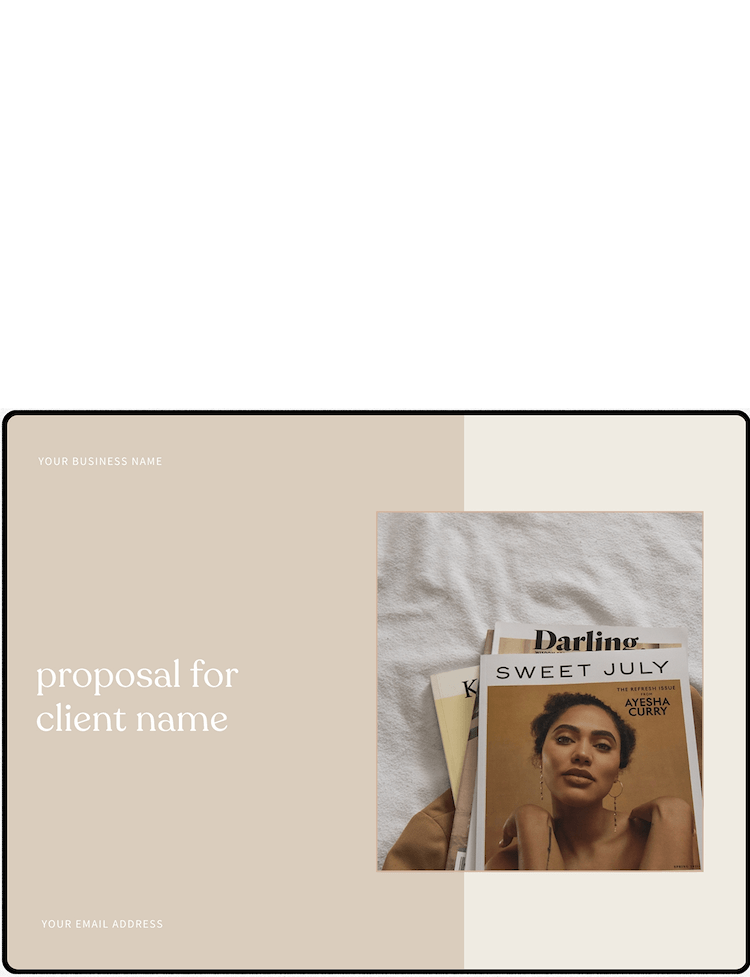
Proposal template
Consider this the perfect follow up document after your sales call. Whip it up in a matter of minutes and get it across to your potential client while they’re excited.
-
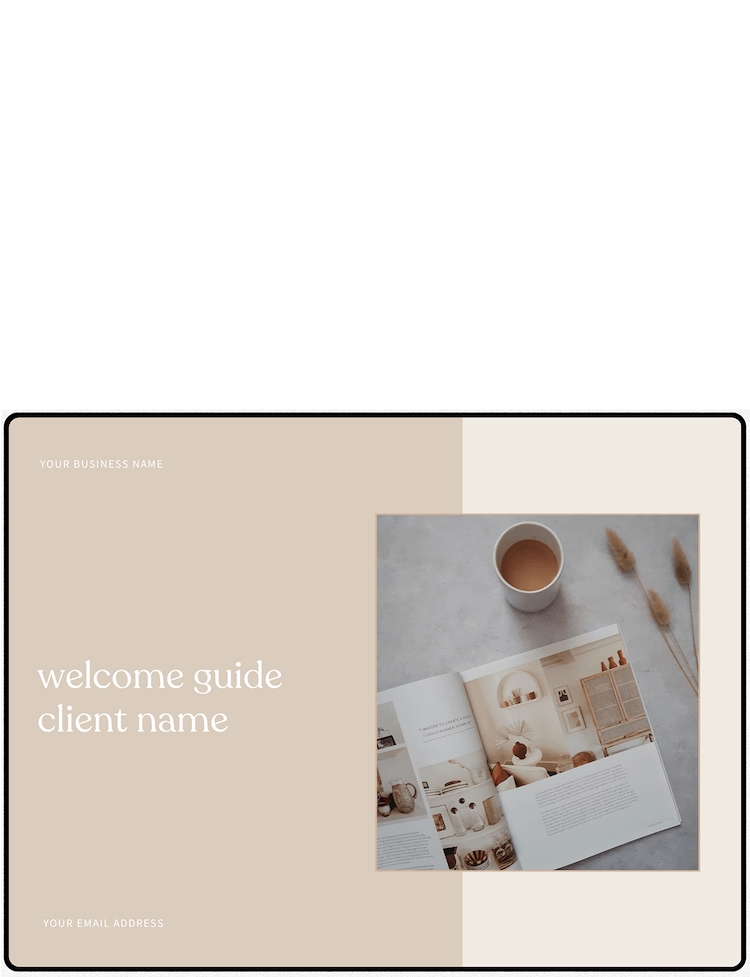
Welcome guide template
Onboard your web design clients swiftly, easily and professionally. Clearly communicate expectations, outline key dates and help your clients confidently complete their tasks.
-
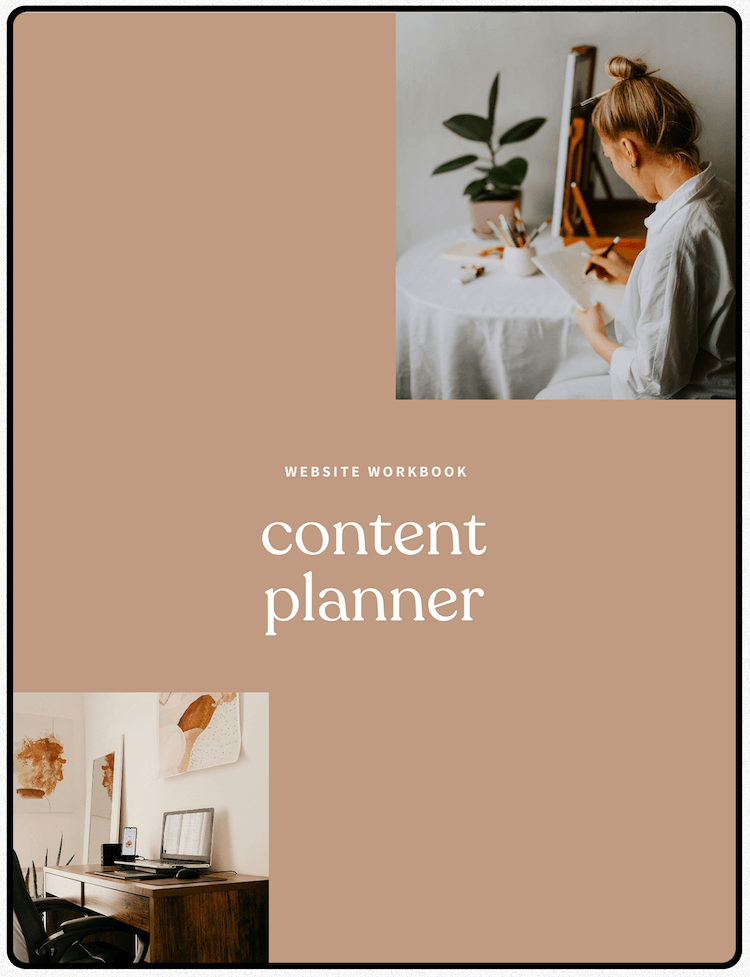
Website content planner
Give your clients a clear, structured format to write their website content. This planner guides them through exactly how much and what to write for every page you’re building.
-
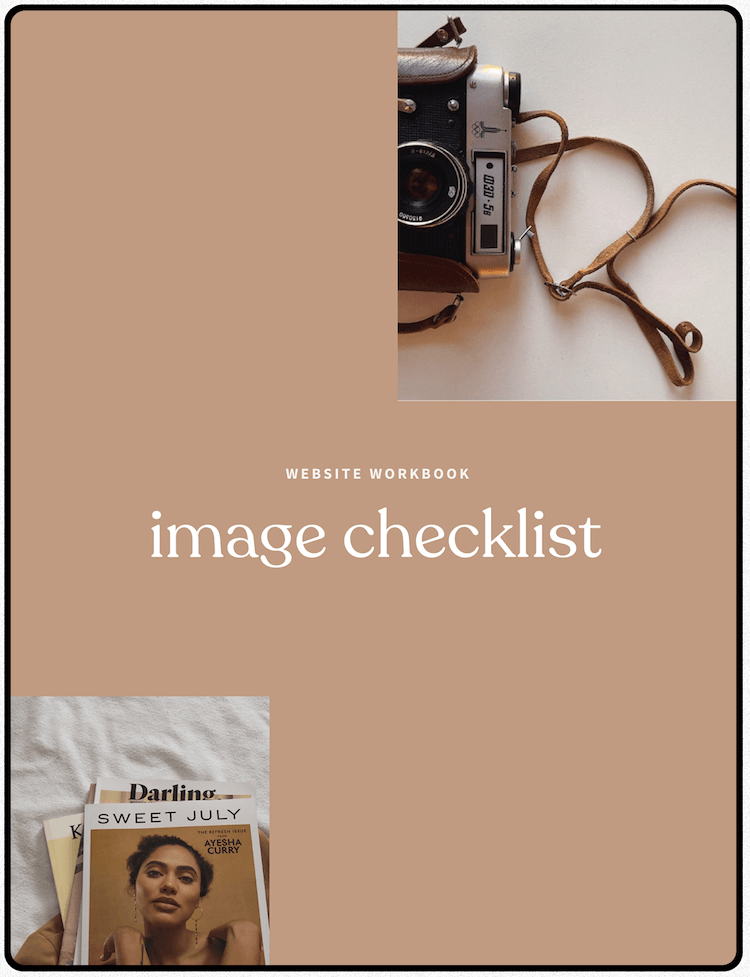
Image checklist
Receive the right images, in the right format, before build week begins so you’re not chasing files or resizing low-quality images at the last minute.
-
Branding questionnaire
Gain clarity on how your client wants their branding applied across their website, so you can design with confidence and ensure everything feels aligned.
-
Technical questionnaire
Ensure your build week runs super smoothly by collecting all essential technical details from your client before the project starts.
-
Home page feedback form
Have your client review and sign off on a home page mockup prior to the build, using this guided feedback form
-
Website feedback form
Prevent never-ending revision rounds and scope creep with this structured feedback form, helping clients review their site page by page.
-
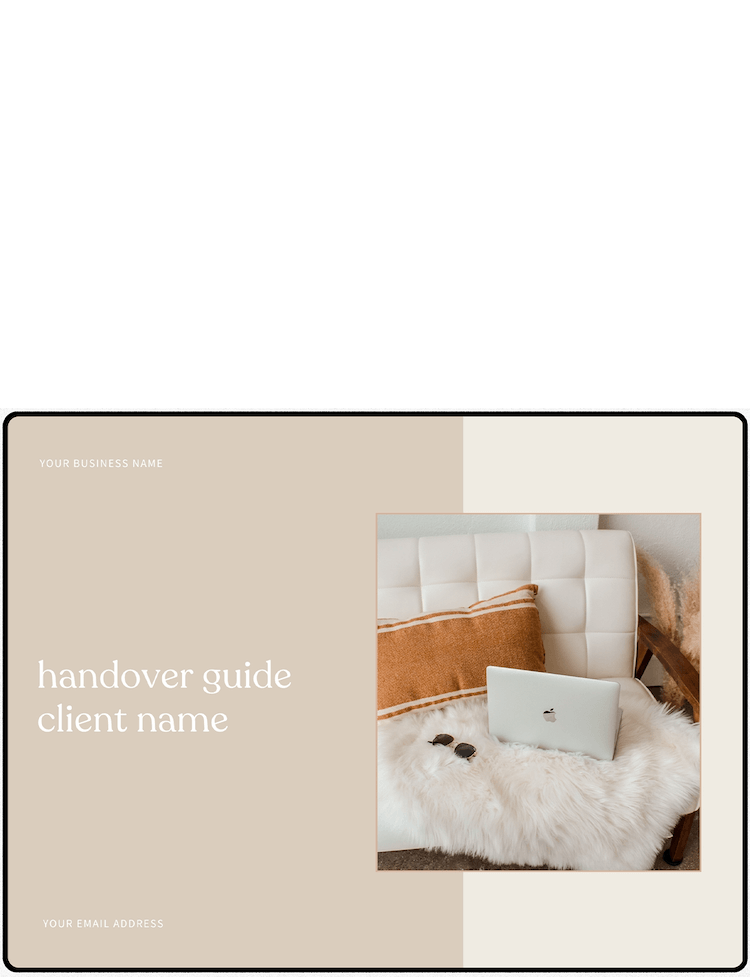
Website handover template
Off-board and handover the website in a way that leaves your client feeling confident, empowered and clear that the project has finished.
-
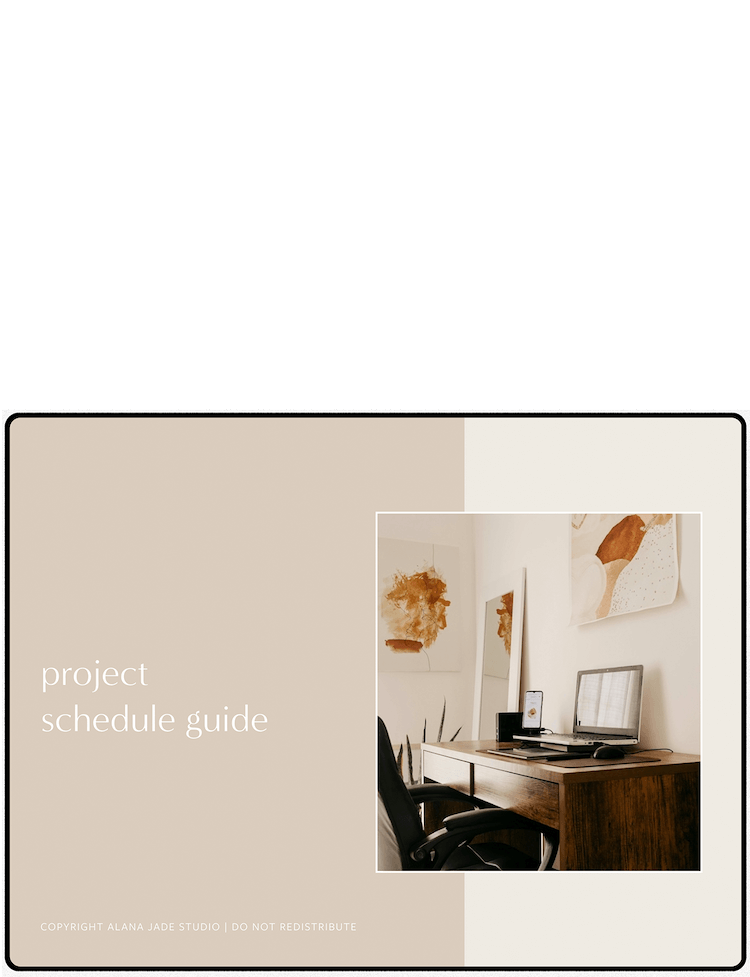
Website project plan and checklist
Get an insider’s look into my signature semi-custom, one-week web design process – what happens at every stage, when each step should happen, and how to keep the project on track from first enquiry to launch.
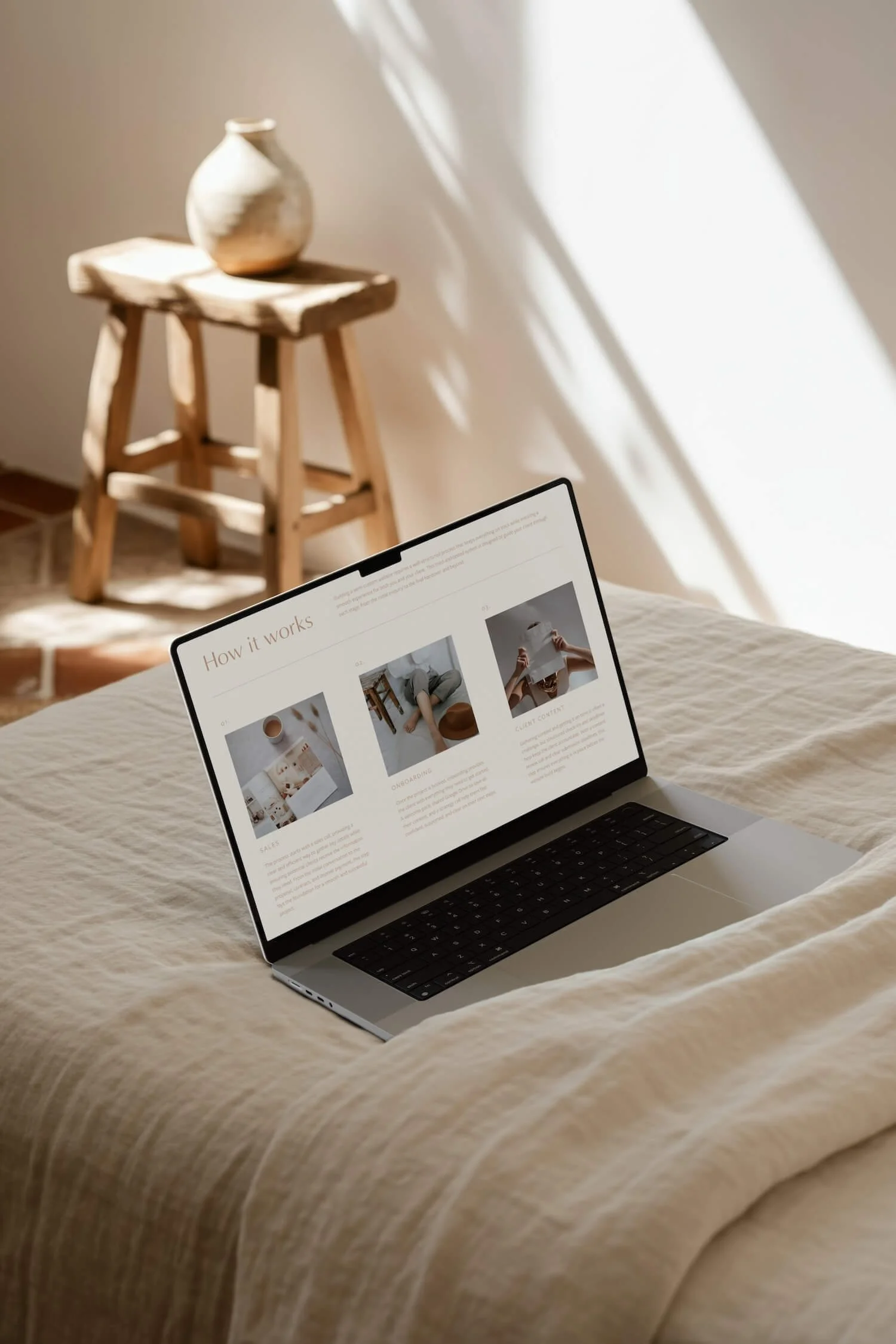
What’s a semi-custom or one-week website?
A semi-custom or one-week website service is a way of offering website design that makes projects easier to manage and easier to repeat.
It’s often chosen by designers who are looking for a more contained and repeatable way to deliver projects alongside – or instead of – fully custom work.
Unlike custom website design where you start from scratch for every project, instead you work from an already created base design or website template that you then tweak to suit each client’s brand, content and goals.
For many designers, this model creates a clearer container for projects, which helps reduce scope creep, blurred boundaries and the feeling of being “on call” all the time.
As such, your time becomes easier to plan, pricing becomes easier to set and the work starts to feel more enjoyable and fit more realistically around the rest of your life.
This way of working can be especially supportive if you’re just starting out and want a safer way to run projects, or if you’re highly sensitive, neurodivergent or recovering from burnout.
It allows you to build a design business at a pace that feels sustainable and predictable, rather than pushing through long, open-ended projects that leave you drained or second-guessing yourself.
The website design document templates inside this toolkit have been created to support this style of working. Each document guides a specific stage of the process – from the very first conversation with your client right through to handover.
These templates – used and proven on over 100 real-life, successful website projects – help you lead your clients confidently through a project and deliver beautiful websites that your clients genuinely love, while creating a calmer, more professional experience for everyone involved.
Kind Words
-
"I knew I wanted a more predictable structure to my business... I found the toolkit to be exactly what I needed."
I was doing custom websites and I couldn't keep it up and be a present mom. I was burnt out and clients were missing payment days or not coming to the table with everything needed for the design. I knew I wanted a more "predictable" structure to my business. I also wanted to tighten up and update my onboarding processes. I found the toolkit to be exactly what I needed. The onboarding guides are life savers. Flipping grateful. I love having the predictability of each step.
Kimberly Ignas – website designer
01.
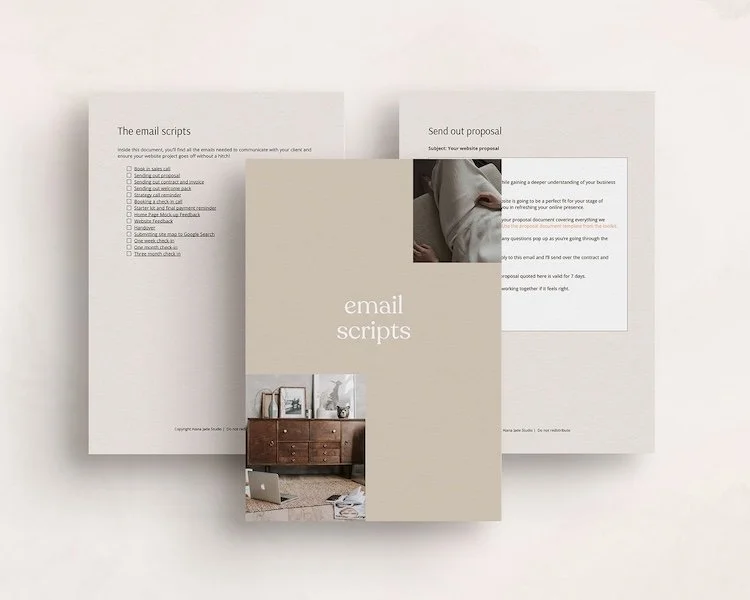
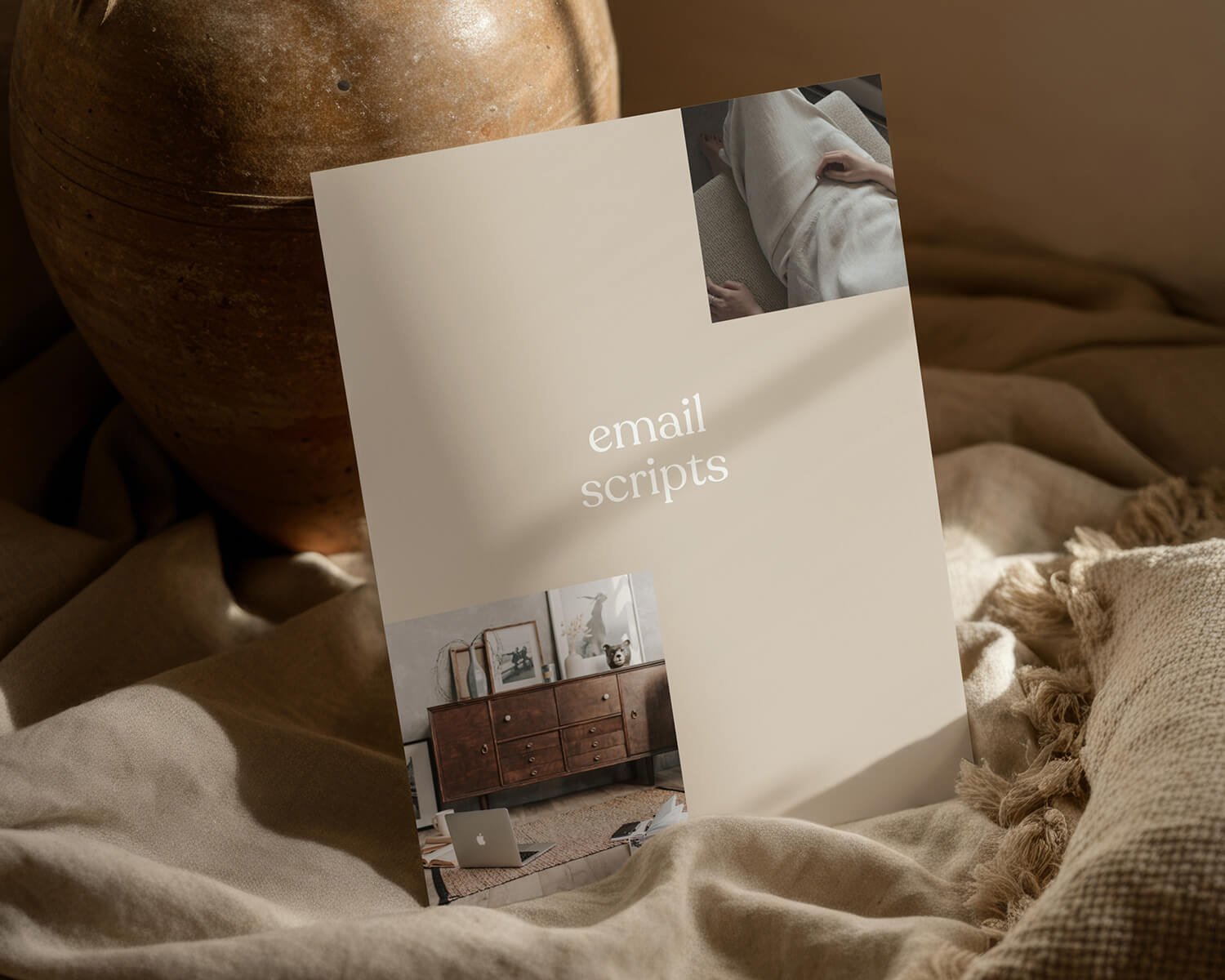
Email script templates
Use these web design email scripts to communicate with your client at every point in the process. They’ll support you to keep your projects on budget and on time and get the best outcomes for your client and you. These are the exact emails I use in my own business, refined and proven on more than 100 website projects.
-
14 useful emails templates: book a discovery call, sending out the website proposal, sending out the website contract and invoice, sending out the welcome pack and website kit, booking a check in call, website content and final payment reminder + schedule confirmation, website mock-up and visual direction, paying for the website, website review / feedback, website handover email, submitting site map to Google Search, one-week check in, one-month check in, three-month check in.
-
These email script templates are in simple Google doc format so you can easily copy them out, add in your specific business information and send them off to your client.
02.
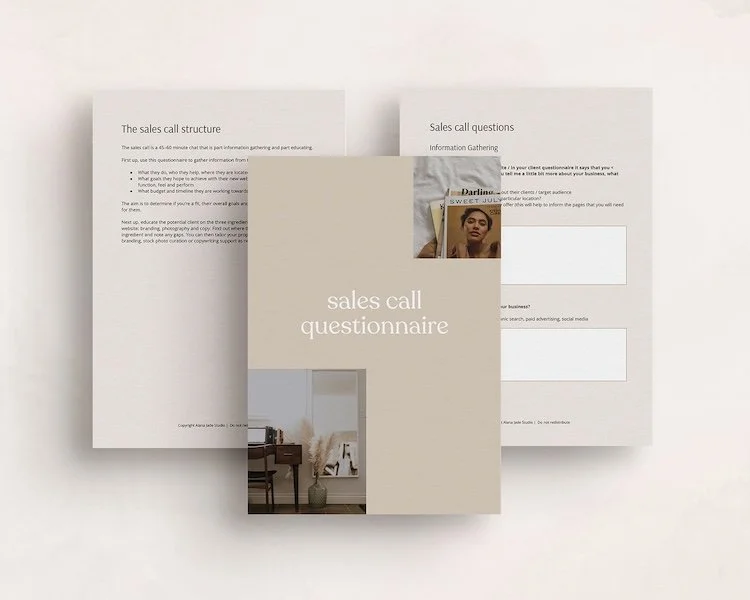
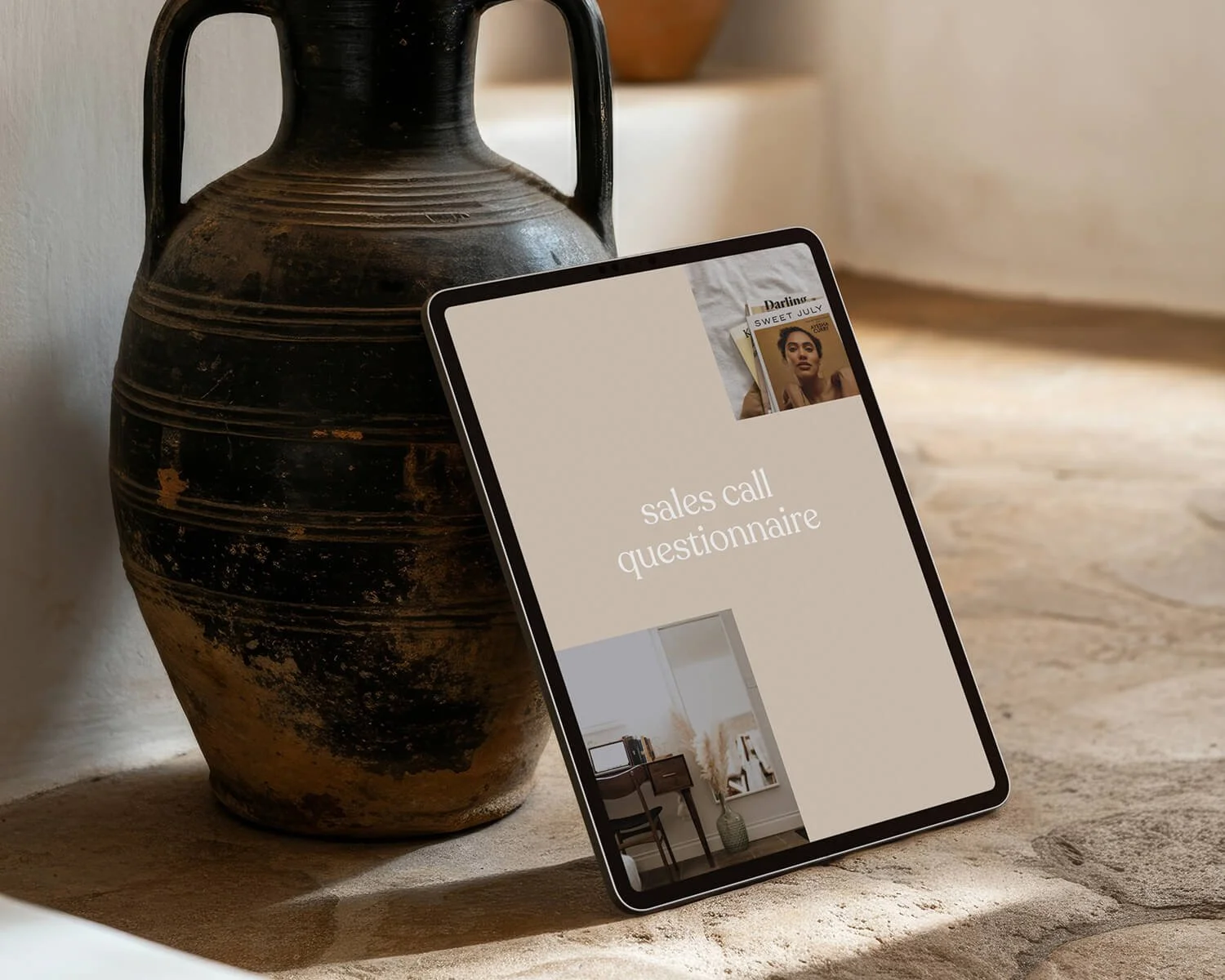
Sales call questionnaire
Gather key client information such as what they do, who they help, their goals, budget and timeline. Plus educate your client on the ingredients needed for a successful website. Walk away from every sales call with a clear picture of what your client needs, how you can help and which of your packages is best for them. This is the exact questionnaire I use in my business, refined and proven on hundreds of hours of sales calls.
-
The website sales call questionnaire is in editable Google doc format so you can easily enter answers from your clients during a sales call.
03.
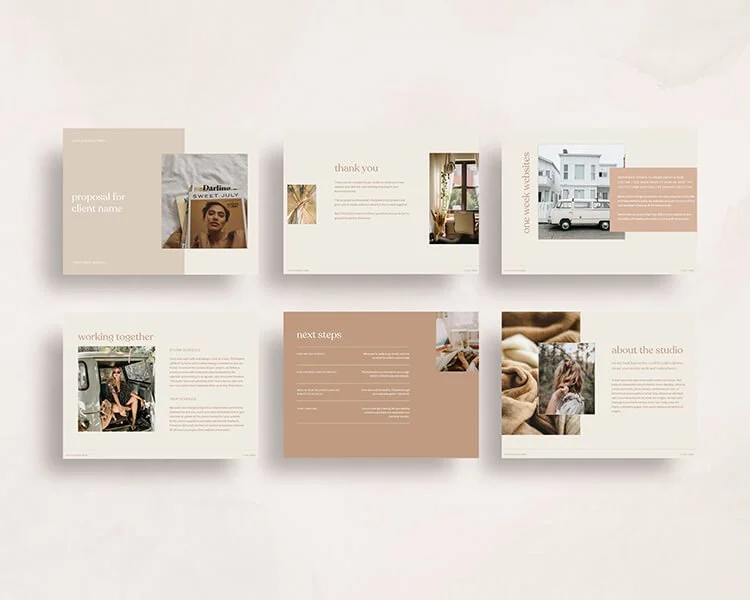
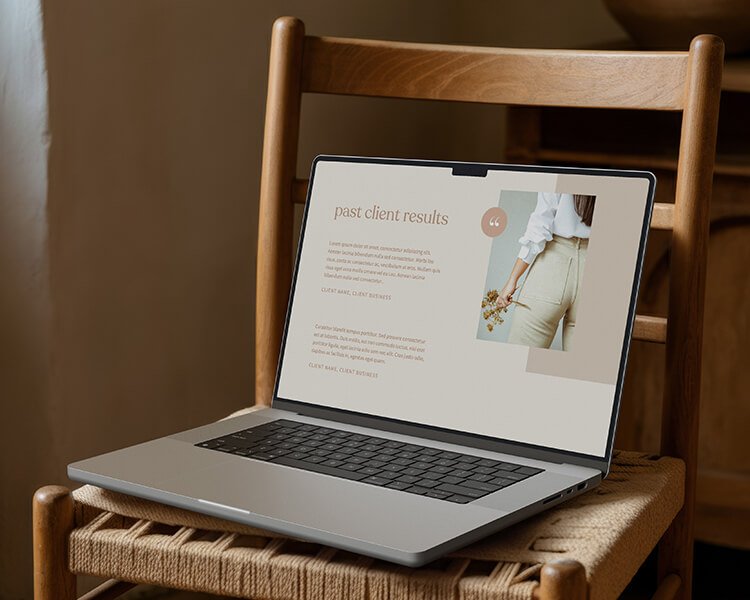
Website proposal template
Wow prospective clients with your professional website design process and communication skills all outlined in this website design proposal template. Clearly communicate pricing, scope, inclusions and exclusions. Share more about your design studio and how you can help your client achieve their goals.
-
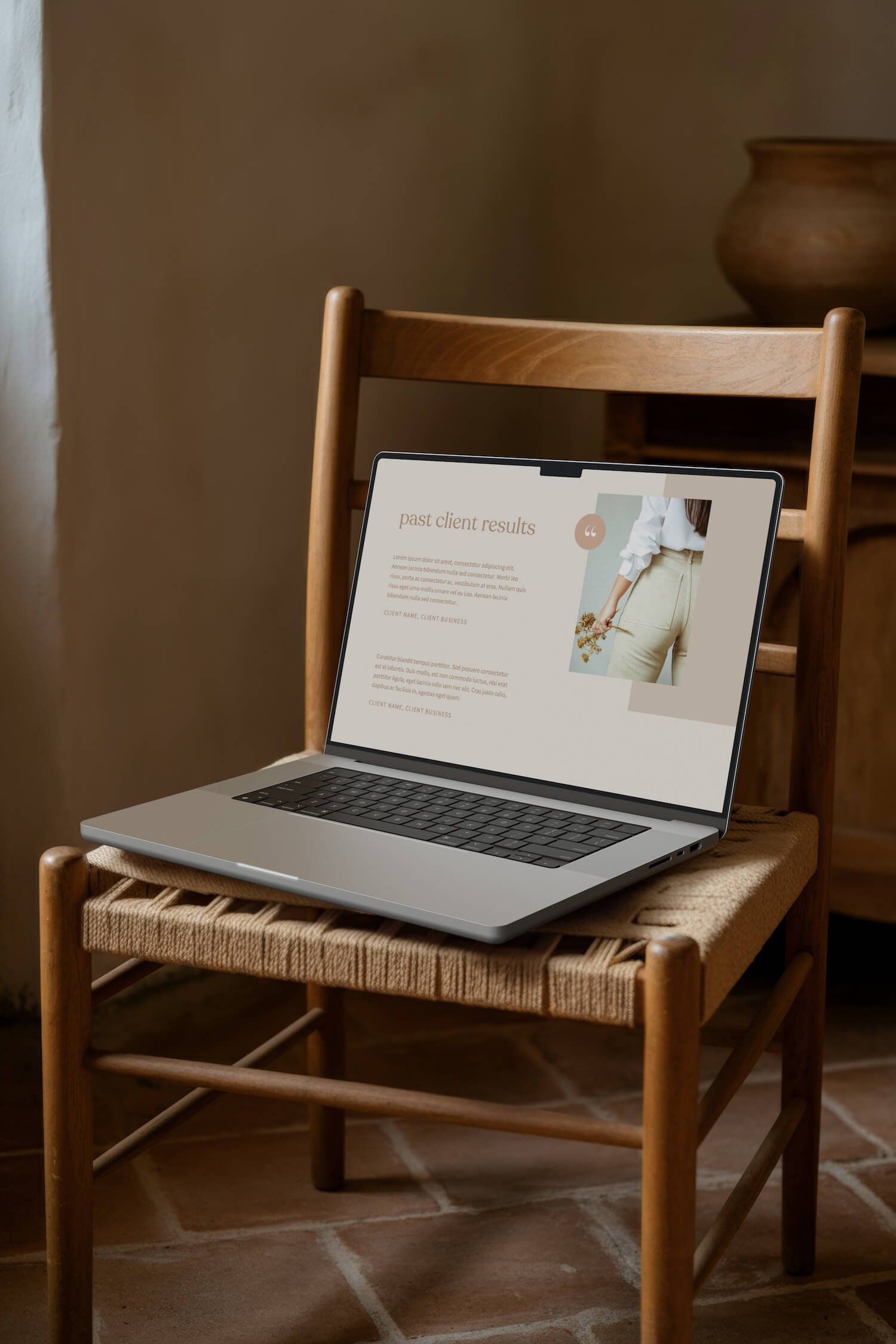
Cover page, Thank you note, Goals, Package inclusions and exclusions, Pricing and schedule, Important things to know about a semi-custom / one-week website (defining the scope and boundaries), Next steps, Working together (setting the expectations of how you work), About the studio, Studio values, Past client results
-
The proposal template comes in Canva format for easy editing.
You’ll receive video instructions on how to easily update the template with your branding and business information.
04.
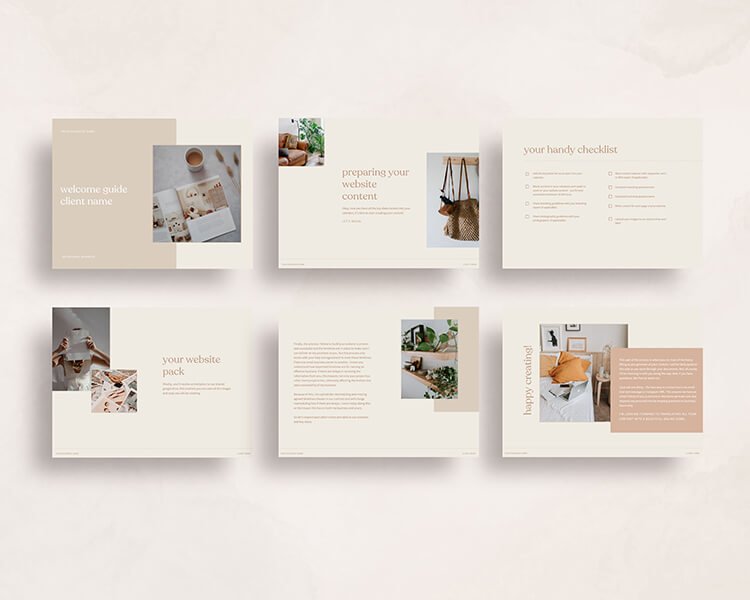
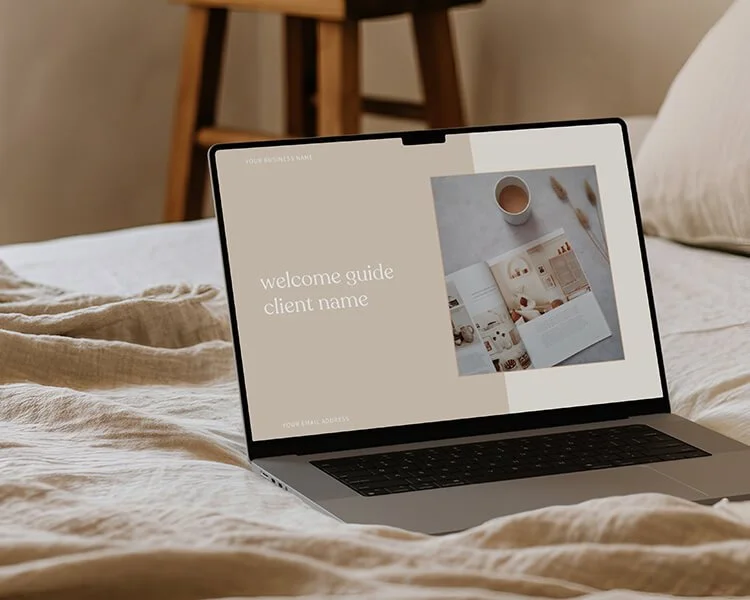
Website welcome guide template
Onboard your clients smoothly and professionally with this beautifully designed website welcome guide that sets the tone for how you’ll work together. It includes all the key information your client needs to stay on track and feel supported. Your client will know exactly what’s happening, what’s required and when – which means fewer questions, less confusion and a more seamless project.
Pair the welcome guide with the content planner, image checklist and questionnaires included in this toolkit and you have a full client website welcome package template and web design client onboarding process which takes out all the guesswork and leaves you and your client feeling confident going into the website project.
-
Cover page, Welcome note, Goals, Project timeline, Working together (setting the expectations of how you work), Preparing your website content, An overview of what’s inside the Website Starter Kit, Important notes for keeping the project on schedule, a handy checklist for the client to prepare all their content
-
The welcome guide template comes in Canva format for easy editing.
You’ll receive video instructions on how to easily update the template with your branding and business information.
05.
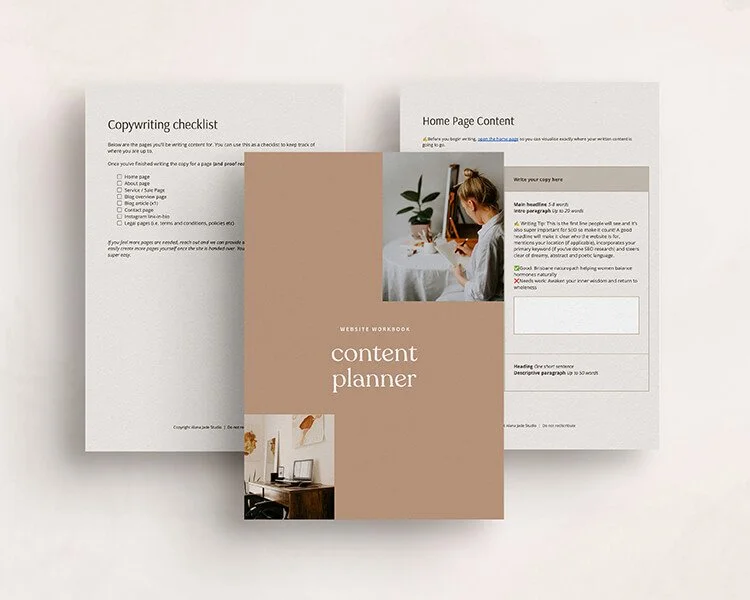
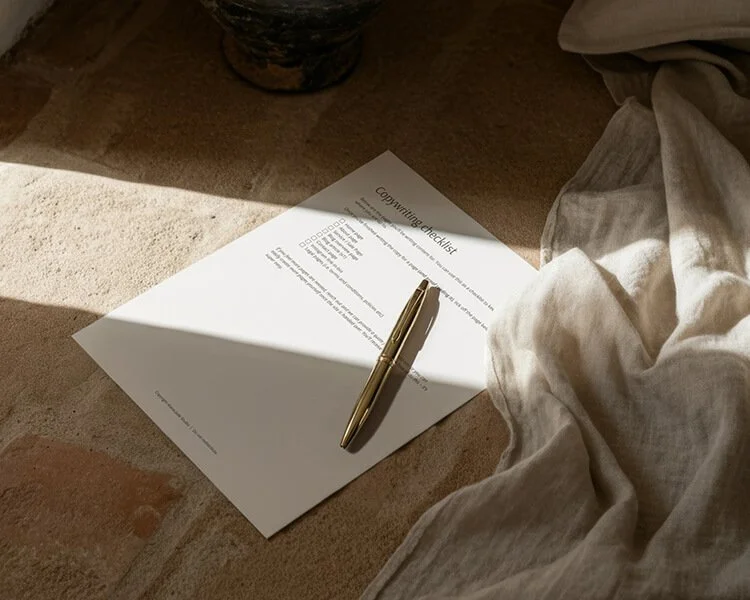
Website content planner
This structured website content document template guides your client section by section through each page of their website, so they know exactly what to write, how much to write and what you actually need from them. Includes helpful tips and prompts to support effective copywriting so you receive higher quality content from the start – with far less back and forth.
Plus receive a bonus recording of the exact video I share with my own clients to walk them through completing the content planner – including helpful tips for writing. Use this as a model to create your own client-facing walkthrough video.
-
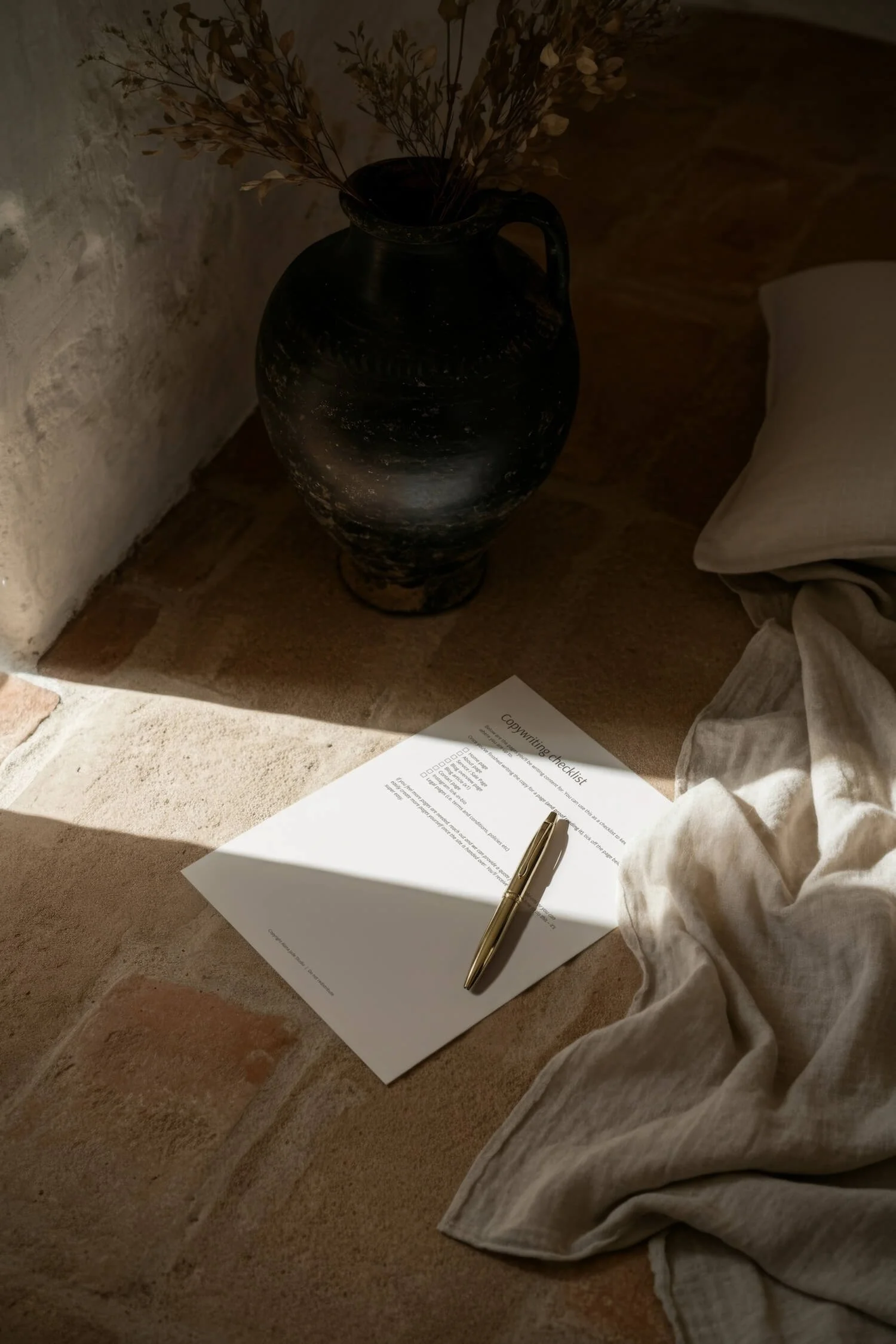
Covers all the pages your clients need to get their website up and running – home, about, sales page, contact, Instagram link-in-bio and legal pages.
-
The example provided here is based on Evie, my best-selling base design.
The content planner is in editable Google Docs format so you can adjust it to suit your own base design. Your clients will be able to enter their written words directly into the planner.
You’ll receive video instructions on how to update the template with your branding and business information.
06.
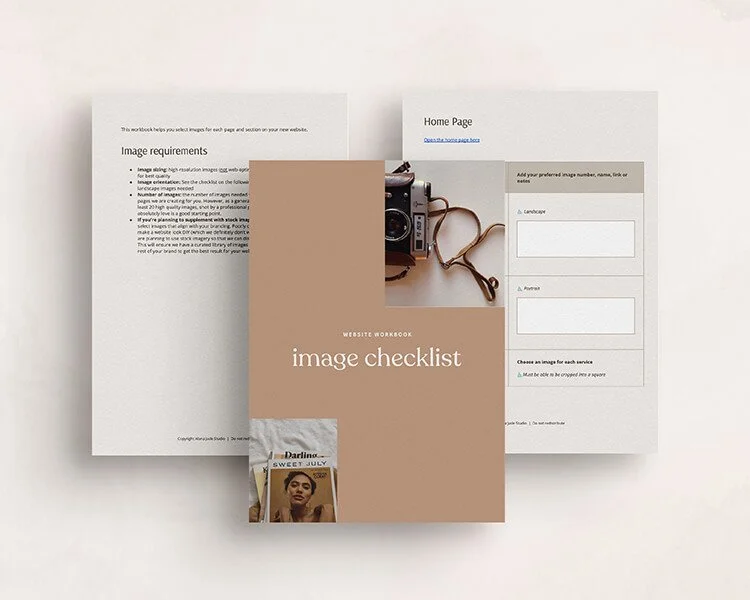
Image checklist
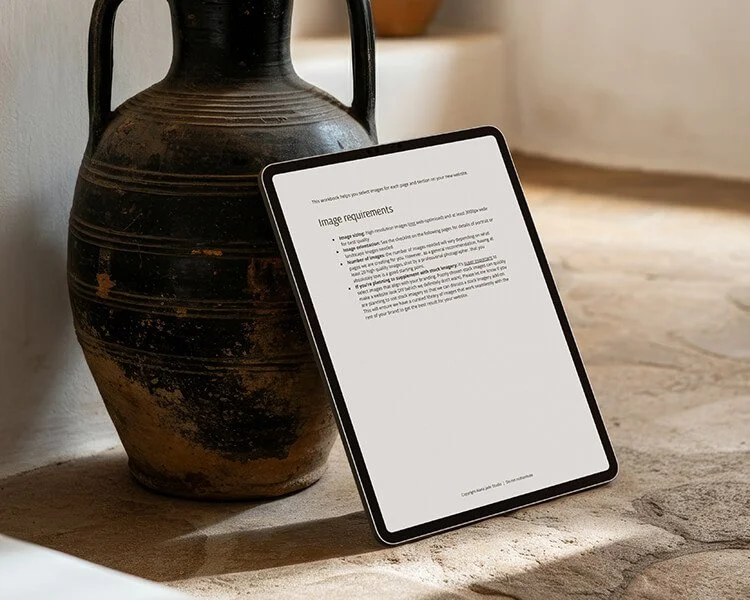
Ensure you receive the right images, in the right format, before build week begins. This checklist covers sizing, orientation and quantity, and allows clients to nominate their favourite images or leave selection up to you.
-
The example provided here is based on Evie, my best-selling base design.
The checklist is in editable Google Docs format so you can adjust it to suit your own base design. Your clients will be able to enter their image preferences directly into the checklist.
You’ll receive video instructions on how to update the template with your branding and business information.
07.
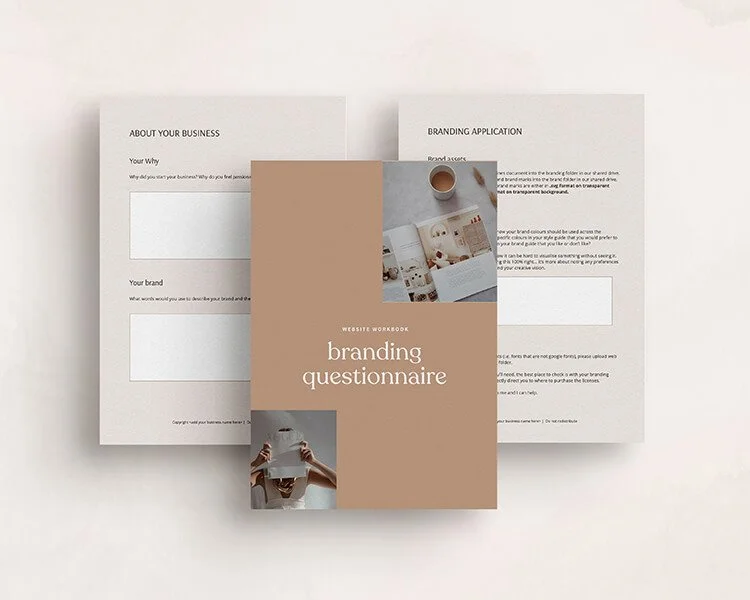
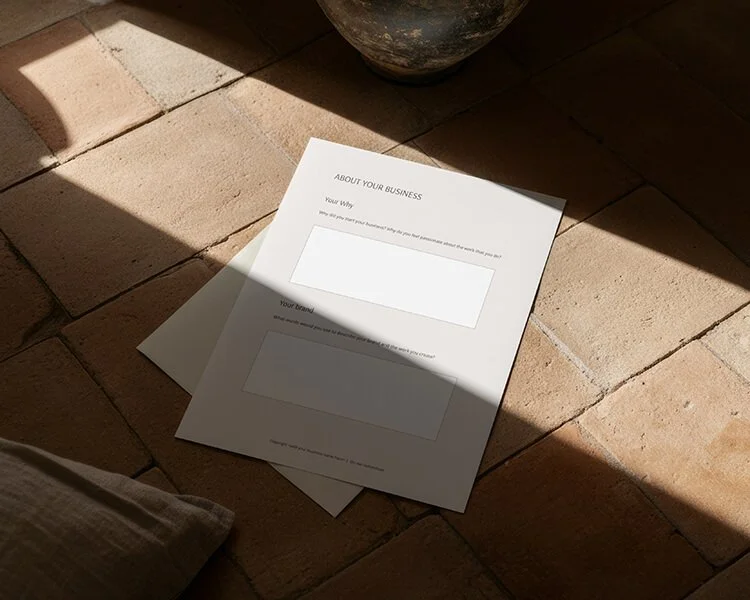
Branding questionnaire
This questionnaire helps your client gather the key brand elements – logo files, colours, font licensing and branding guidelines – needed for a successful website build. Plus it will give you clarity on how your client wants their branding applied to the website so you can move into design phase with confidence.
-
The questionnaire is in editable Google Docs format so you can add / remove questions and so that your client can easily answer the questions inside the document.
You’ll receive video instructions on how to update the template with your branding and business information.
08.
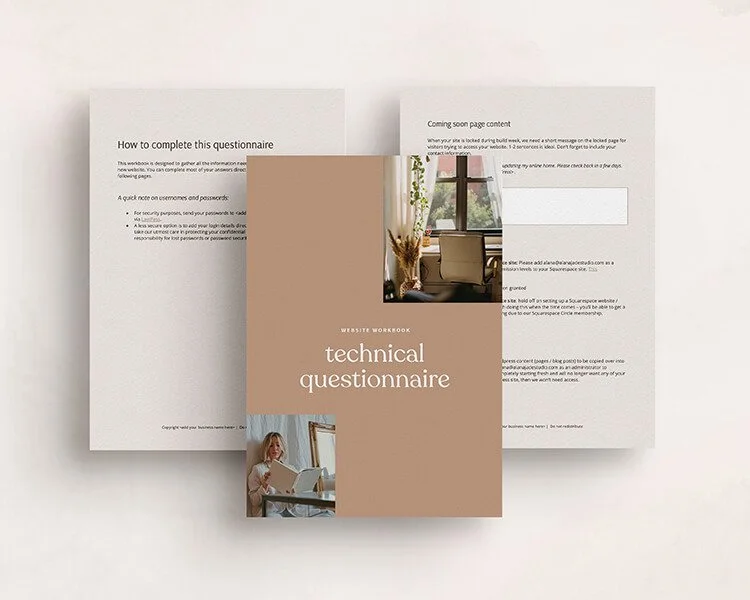
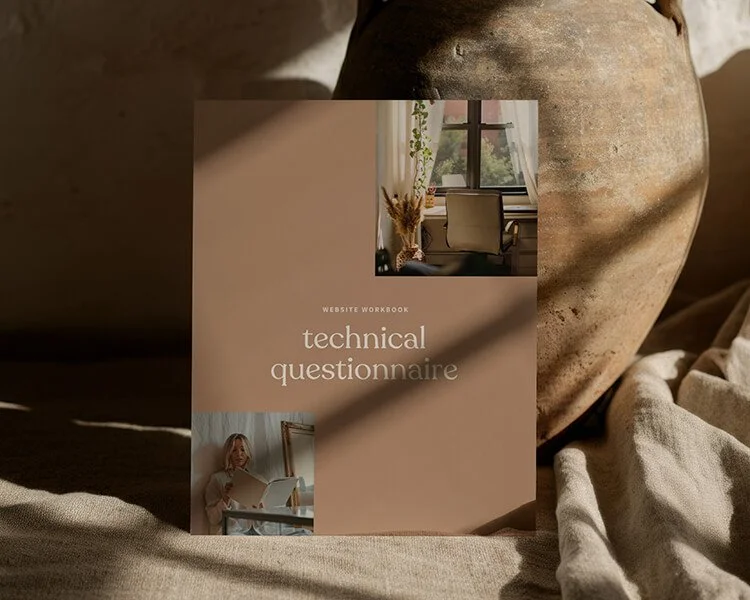
Technical questionnaire
Use this questionnaire to gather the technical information to install and configure your client’s website. Collect all essential details before the project starts and ensure you have the access you need so your build week runs smoothly and without delays.
-
The questionnaire is in editable Google Docs format so you can add / remove questions and so that your client can easily answer the questions inside the document.
You’ll receive video instructions on how to update the template with your branding and business information.
09.
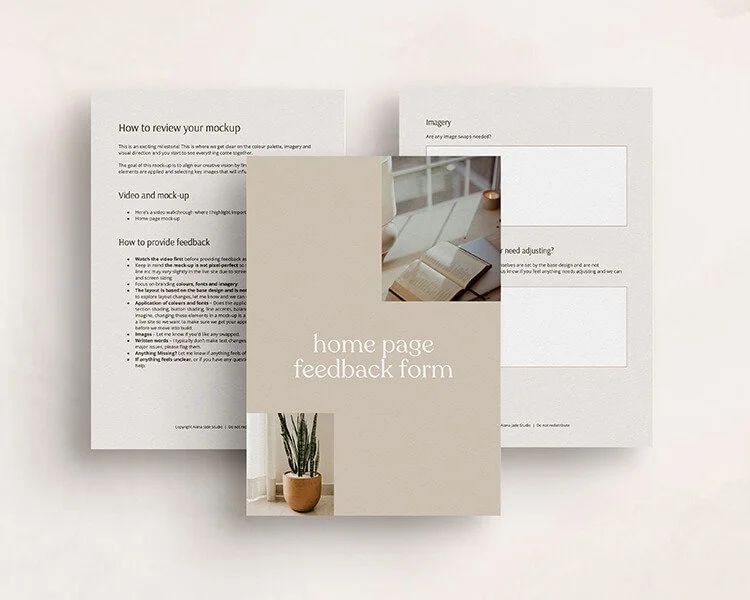
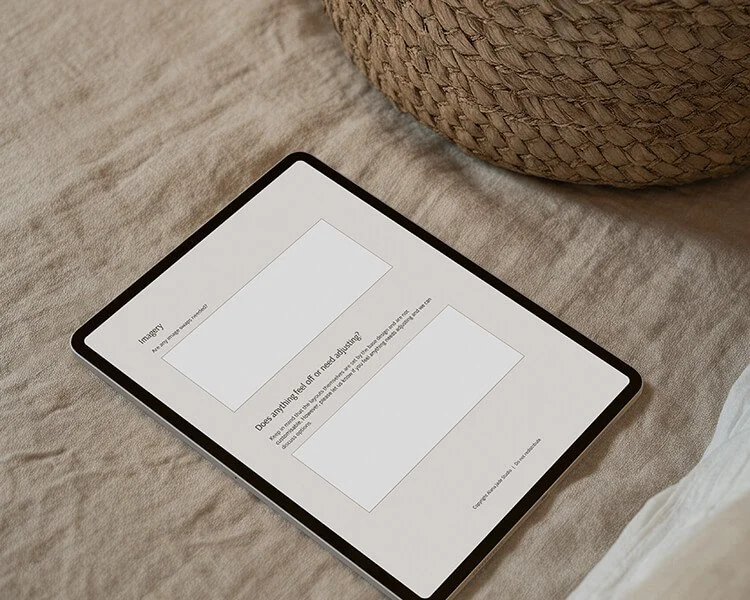
Home page feedback form
Get sign-off and approval on colour and fonts application and the overall visual direction of the website. Having your client sign off on a home page mockup prior to the scheduled build week has the potential to save so much time. This feedback form guides your client on exactly what to provide feedback on and ensures you’re both feeling confident as you move into build week.
-
The home page feedback form document is in editable Google doc format so your client can add their feedback directly into the form.
You’ll receive video instructions on how to update the template with your branding and business information.
10.
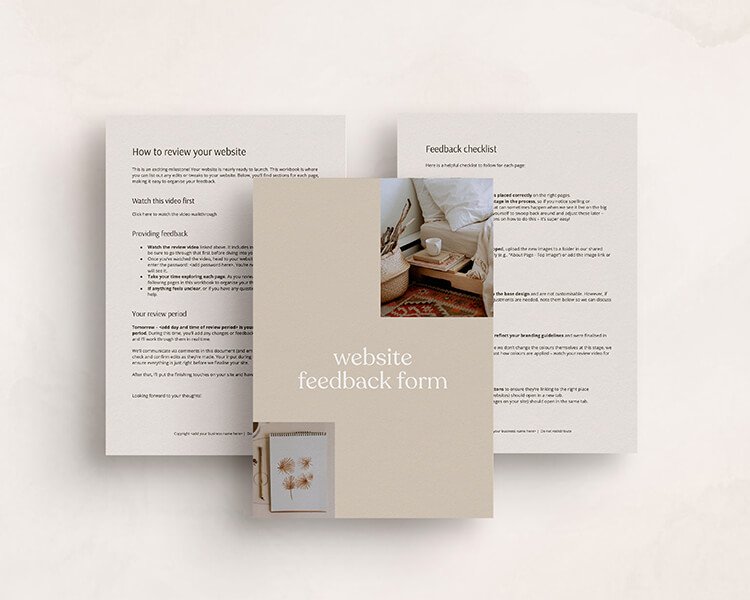
Website feedback form
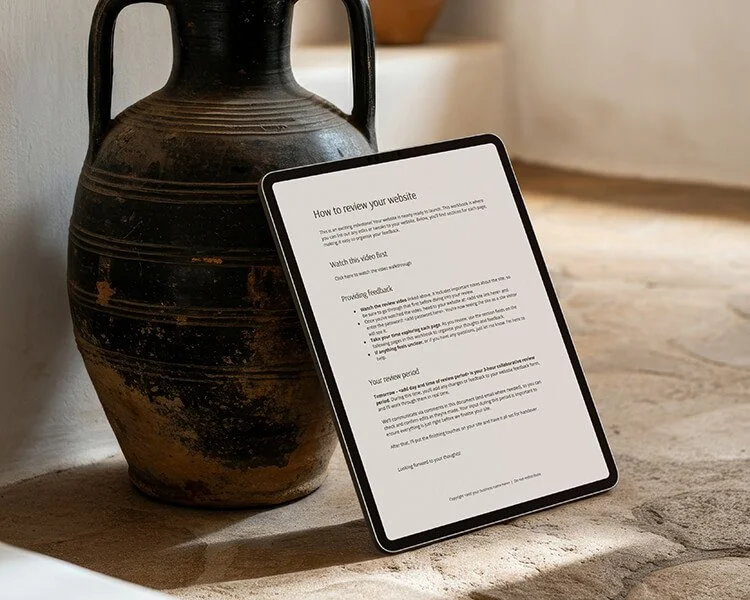
This structured feedback form makes it easy for clients to give clear, constructive feedback during the website review phase. Website reviews can easily blow out and be hard to put boundaries around, which is where this form helps. It guides clients through exactly how and what to provide feedback on, page by page while keeping edits organised and within scope.
-
The website feedback form document is in editable Google doc format so you can add / remove sections based on the pages you have created in the website. Your client can then add their edits to the form during their review period.
You’ll receive video instructions on how to update the template with your branding and business information.
11.
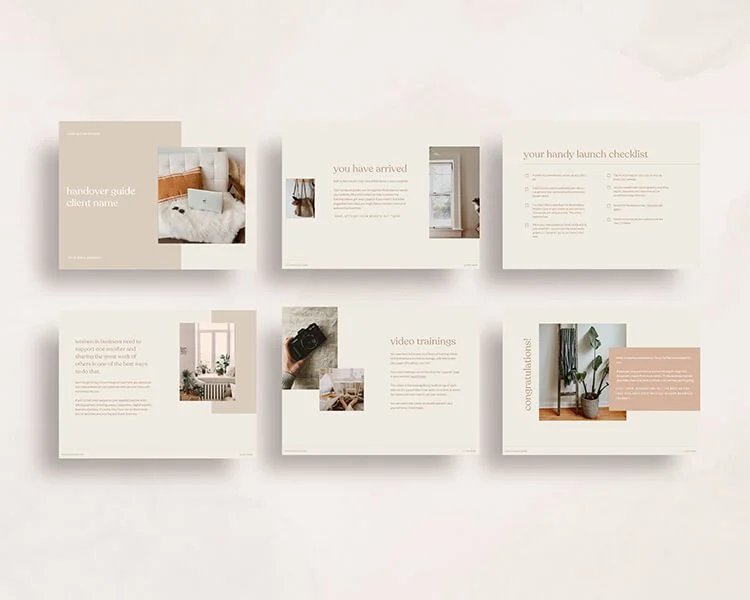
Website handover template
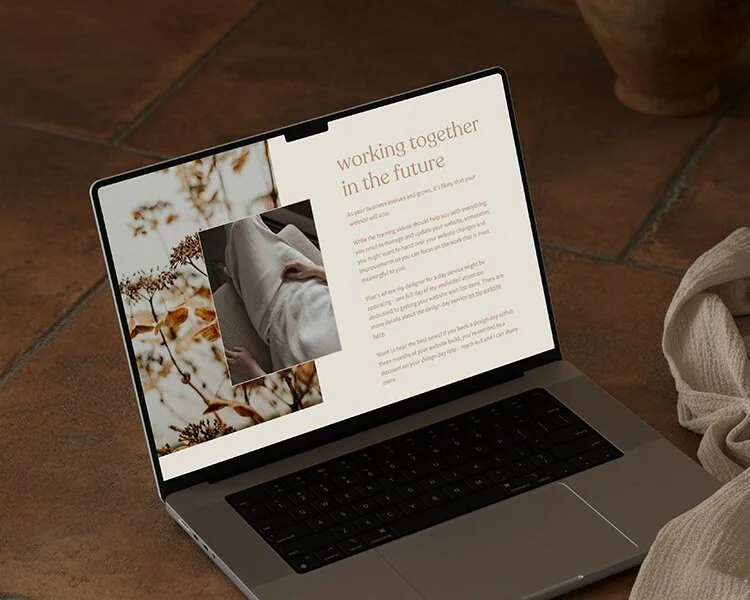
A beautifully designed website handover document that helps you to off-board clients professionally while leaving them feeling 100% supported and empowered to manage their own website. Clearly communicate the terms of your support period and how you can be contacted to respect your personal downtime and keep support queries to business hours. Provide your client with helpful next steps to continue to grow their website and create pathways of opportunities to reach back out to your client in the future for feedback, testimonials and additional projects.
-
Cover page, How to publish their website, Launching tips and tricks, Valued feedback (with a link to your survey), a handy launch checklist, Training and support options, Next steps / suggestions for your clients website.
-
The handover guide template comes in Canva format for easy editing.
You’ll receive video instructions on how to easily update the template with your branding and business information.
Bonus
Website project plan and checklist
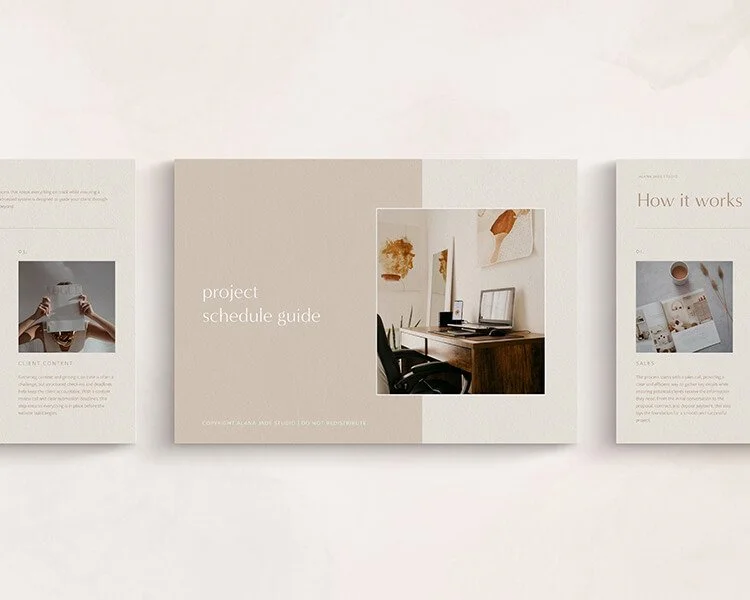
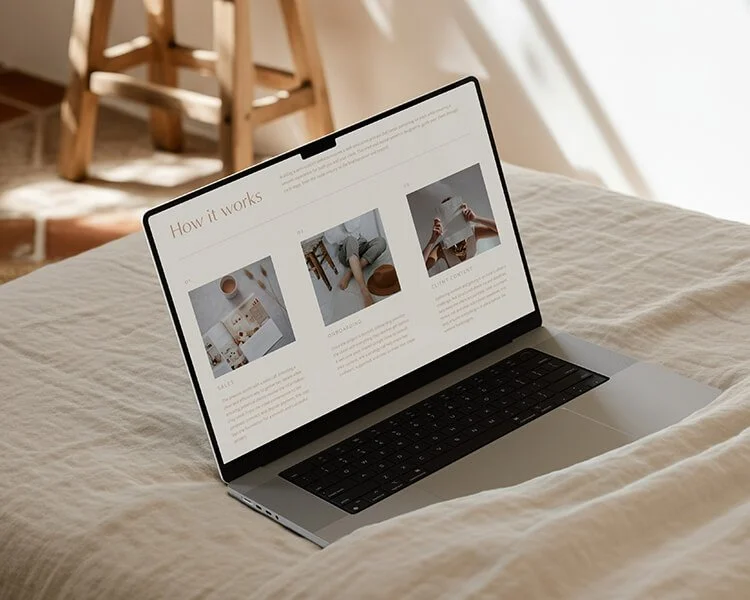
This bonus gives you the complete picture of how a one-week website project runs from start to finish. It includes the project plan – a beautifully designed PDF walking you through all six phases and their key milestones – plus an editable project checklist in Google Doc format, so you can tick off every step as you go and adapt it to suit your own process.
-
The project plan is a beautifully designed PDF. The checklist is in editable Google Docs format so you can tick off every step and adapt to suit your process where necessary.
Kind Words
-
“In just six months, I’ve made more progress than I had in the previous two years."
This toolkit gave me the structure and clarity I had been missing. In just six months, I’ve made more progress than I had in the previous two years. I now have clear goals, defined expectations for both myself and my clients, and most importantly, a workflow that supports both ease and impact. My projects run more smoothly, and both my clients and I are noticeably more relaxed and confident from start to finish. I’m deeply grateful to Alana for creating a model that allows me to stay grounded in who I am. I get to show my daughter that building a business doesn’t have to mean sacrificing your peace. You can create with intention, work with joy, and still have balance. That’s been the greatest gift of all in this new chapter.
Lia Bellomio – Website Designer

If we’re really honest – website design can feel a bit chaotic (am I right?)
As web designers, we’re often expected to be so much more – business coaches, mindset mentors, tech support, launch strategists, even therapists at times! And if we’re not careful, it’s easy to take on more than we’re actually required to.
Long, drawn-out projects that take weeks (or months) often lead to miscommunications, boundary issues, burnout and a heavy mental load for you.
Additionally, website projects can feel overwhelming for our clients. There’s a lot to do, a lot to decide and often a lot riding on the outcome.
That’s why you need a simple, clear and calm system that keeps things contained and feels good for you and your clients, where everyone is on the same page from day one.
That’s what the semi-custom or one-week website model is all about.
It’s a container that helps things stay on track, protects your energy and delivers a beautiful client experience, too.
Section Styles paragraph-light-underline-wide

This toolkit is particularly great for website designers who are:
Just starting out and looking for a safe, structured way to grow their business and build confidence
Highly sensitive, neurodivergent or recovering from burnout, and need a process that’s gentle on their nervous system
Tired of scope creep, blurred boundaries, and projects that drag on far too long
Spending hours on custom quotes with little return, and want to simplify their offers
Struggling to get the right information from clients, leading to delays, stress and frustration
Balancing design work with a day job, family or other commitments, and need a business model that fits into their life
Feeling disheartened from past projects that left them drained, underpaid or second-guessing their skills
Real-life designer stories
Listen to designers who’ve added semi-custom or one-week websites to their services using our website designer document toolkit.
Kind Words
-
"My custom projects used to take around four weeks, sometimes longer... the one-week websites align more with my natural energy flow."
My custom projects used to take around four weeks, sometimes longer, but I realised I feel more energised and creative when I can focus in short bursts. The one-week websites align more with my natural energy flow. It feels much calmer, and I can present the design to the client knowing they’re already familiar with the final result. Business planning has become easier and more predictable. I’ve also incorporated some of Alana’s processes and templates into my custom and Design Day workflows, which has made those projects run more smoothly, too.
Susanne Oltmanns – Website designer, Melbourne

You can run a successful web design business without burning out.
Hello there! I’m Alana – an Australian Squarespace web designer, with a passion for minimalist business practices and simple, kind living.
At the time of starting my web design business in 2019, I was recovering from – what I now realise was autistic – burnout and couldn’t work more than five hours a day. While I loved everything about web design, it wasn’t feasible for me to grow a profitable business doing custom designed website projects, when my work hours were limited… and in a way that was gentle on my nervous system and nurturing to my health.
As a web designer, you know that custom website design projects are often not gentle on our systems or conducive to our wellbeing. Pouring hours into quoting, keeping up with multiple client requests and projects, juggling timelines and scope, writing lines of code (and all the rest!) – all while having to stay in your creative flow, does not often create a calm working environment.
Through a desire to find a way of working that felt more aligned with my needs and lifestyle, I began shaping my signature one-week website design model – a calm, contained approach that allowed me to serve my clients well, while taking care of my own wellbeing.
How the one-week website model helped me recover from burnout
As I recovered from burnout, fully custom website design projects with long timelines were not an option for me. In this conversation, I talk about how I developed my signature website in one-week services – and how that change helped me create a business that feels manageable, sustainable and aligned with my values.
100+ successful website projects have taught me this…
With 100+ one-week websites now under my belt, I’ve learned that it’s a combo of the right documentation and the right way of communicating that make all the difference.
I’ve spent this time perfecting and fine-tuning every part of my client experience – creating clear, beautifully designed, editable templates and email scripts that guide projects step-by-step from start to finish.
These tools have helped me build a calm, professional website design process for clients that’s opened so many doors – giving me the opportunity to work with clients who share my values, trust my approach and are genuinely excited to collaborate.
And they’ve been the key to creating a sustainable, joyful design business that supports my creativity, income and health.
Now, I’m sharing these website design document templates with you – so you can build a business that feels calm, spacious and aligned, while creating websites that your clients can’t stop raving about.
Get client feedback and results like this!
-

"Honestly the best customer service experience, ever."
Your communication was 10/10, and the whole process was so organised and easy to navigate. I felt 100% confident in what was happening the whole way through.
Bec Shann – permaculture designer, NSW, Australia
-

"This was truly a pleasurable experience."
Your proposal was incredibly thoughtful and made me feel very clear that you would be a great fit for this project. You set a beautiful example of what it looks like to run a business with kindness and professional boundaries.”
Abby Erker – exercise specialist, Missouri, United States
-

"The entire process was really organised and communication was outstanding."
I felt supported the entire time and clear about every step of the process.
Marcella Jane – photographer, Albury New South Wales Australia
-

"The content planners are so helpful in organising my messaging."
I highly value how organised and streamlined the entire process was.
Nicole Lee – Qigong teacher, Bass Coast, Victoria, Australia
-

"Alana’s structured approach made the entire process seamless."
Her clear documentation, well-organised workflow, and thorough follow-ups took the stress out of what can often be an overwhelming task.
Jessica Dwyer – property stylist, New South Wales Australia
-
"The best client process I’ve seen."
All the pre-planning docs are amazing. You feel held and heard.
Honey Atkinson – photographer and videographer, New South Wales Australia
-

"Everything was so organised, which allowed me to feel really held throughout."
She made the entire process so easeful.
Kim Kimball – business coach for highly sensitive and neurodivergent entrepreneurs, United States
-

"Alana lead us through this process in a calm, organised and professional manner."
Having never built a website before, I had no idea on what to do and Alana lead us through this process in a calm, organised and professional manner.
Larissa Turner – Interior Designer, Sydney, Australia
-

"Her highly streamlined and well-communicated process contributed to the ease around this process."
Alana is a dream to collaborate with. Alana cares about the outcomes of her services for her clients. She goes above and beyond.
Kimmy Lane – Occupational Therapist, Brisbane Australia
-

"Alana guided me through the process with kindness and clarity."
I felt that she deeply understood and believed in my business.
Jennie Grenelle – Public Speaking Coach, Vancouver Canada
-

"It was a seriously smooth process from start to finish (which isn't always the case when making a website from scratch)."
She was so organised, listened to all of my ideas, helped me implement everything.
Rachel Beider – Canopy Playspace, New York
-

"The one-week website design and delivery is genius."
It provides non-professionals of tech design a simple, cost effective solution with confidence.
Tanya Street – psychologist, Oxford, United Kingdom

Proven web design documents
These website design documents have been refined and proven on 100+ client projects. You don’t have to write your own content or second-guess your client process. You can simply follow these templates, plug in your business and client details and you’re good to go – all the while knowing that you’re using a tried and tested toolkit that absolutely works!
Professionally designed templates
All the website design document templates are professionally designed and editable so you can change them up, brand them as your own and impress your clients with your professional design process. Website proposal template, website welcome guide template and website handover template – they’re all here for you – along with all the email script templates, checklists, content planner, questionnaires and feedback forms.
Perfect for
New website designers or experienced pros – all the website design document templates you need to sell, onboard, deliver, review and handover the website to your client with ease. Semi-custom websites might just be the perfect addition to your suite of offerings.
Kind Words
-
"The easy-to-follow steps and generously shared documents have given me breathing space to focus on my creativity."
Alana’s website designer toolkit was just what I needed to calm the overwhelm I was feeling in setting up my website business. So many other options felt time-consuming and too complicated for my clients to follow. Alana has simplified the process, creating a sense of peace in my business. The easy-to-follow steps and generously shared documents have given me breathing space to focus on my creativity. Highly recommend!
Nancy Hatt Larson – Website Designer
Section Styles paragraph-light-underline-wide

Since starting my business in 2019, having the right website design documents and a calm, professional process to guide my clients has given me the freedom and flexibility to:
Heal from burnout, while building a business gently and calmly in a way that felt safe and gentle on my nervous system.
Finally save money while also investing back into my business to create more products and offerings.
Spend 18 months travelling through Asia – Indonesia, Malaysia, Thailand, Nepal, Sri Lanka and hiking in the Himalayas.
Campervan my way through Germany, Italy, Croatia and France.
And now I live a digital nomad lifestyle, between a little island in Thailand and Brisbane, Australia.
All while working minimal hours and still earning a sustainable income. None of which, I believe, could have been possible for me if I was running a traditional web design business.
Websites I’ve created using this exact toolkit
Using these website design documents, I’ve designed 100+ beautiful and effective websites for dreamy, aligned clients all across the world.
I get to work with clients in industries I’m truly passionate about, like health and wellness, coaching and therapy, photography, interior design, permaculture, conservation, and nonprofits.
Here’s just a small snapshot of the wonderful clients I’ve had the privilege of designing for.
-

Mind Body Integration – somatic therapist, Melbourne Australia
-
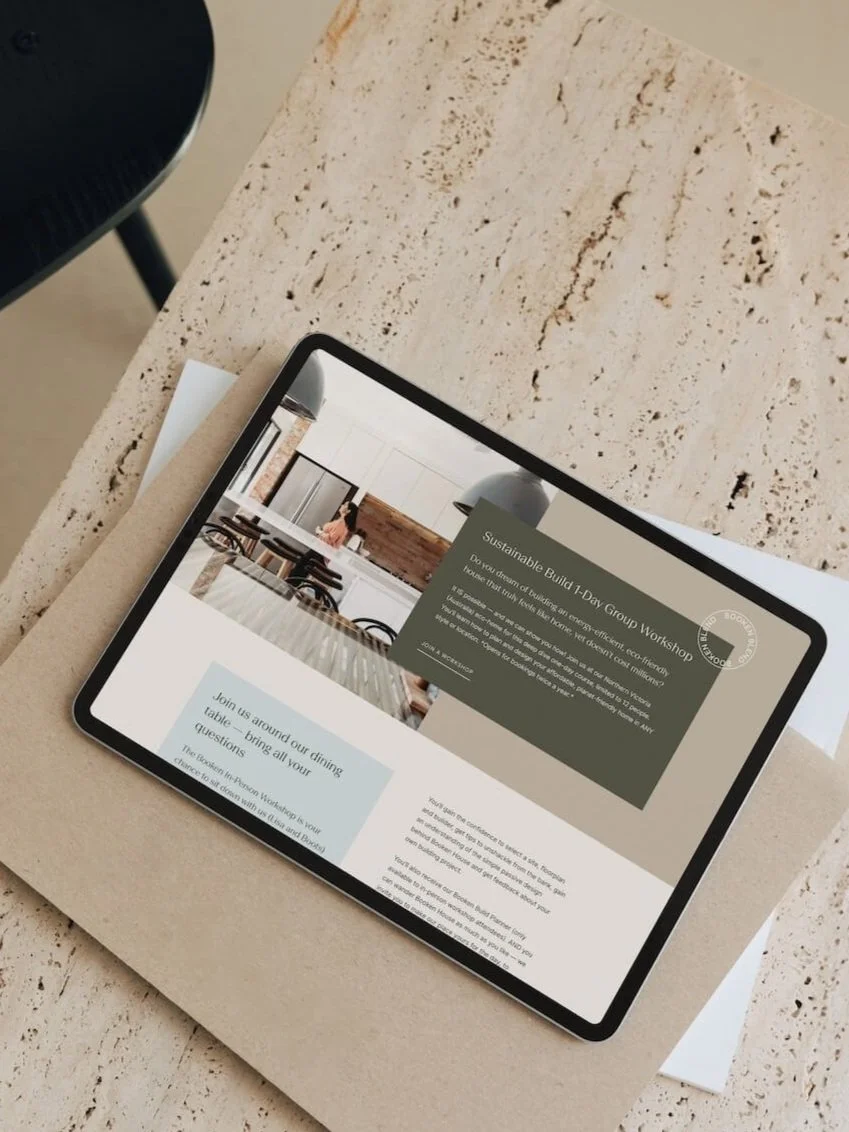
Booken Blend – sustainable housing movement, Northern Victoria, Australia
-
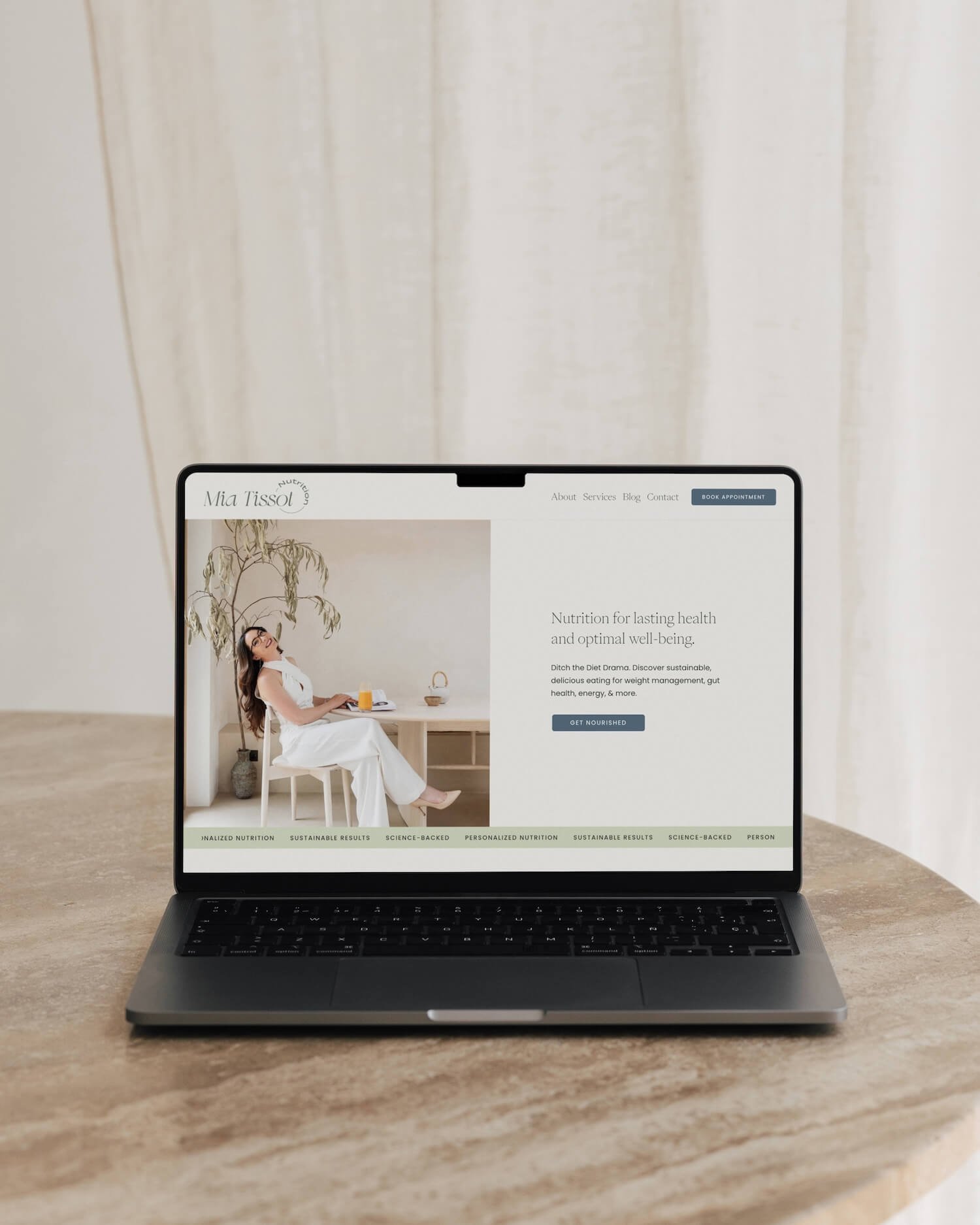
Mia Tissot – nutritionist, France
-

Bloom Fertility and Acupuncture – San Diego, United States
-

Tailored Interiors – home staging and property stylists, Brisbane Australia
-
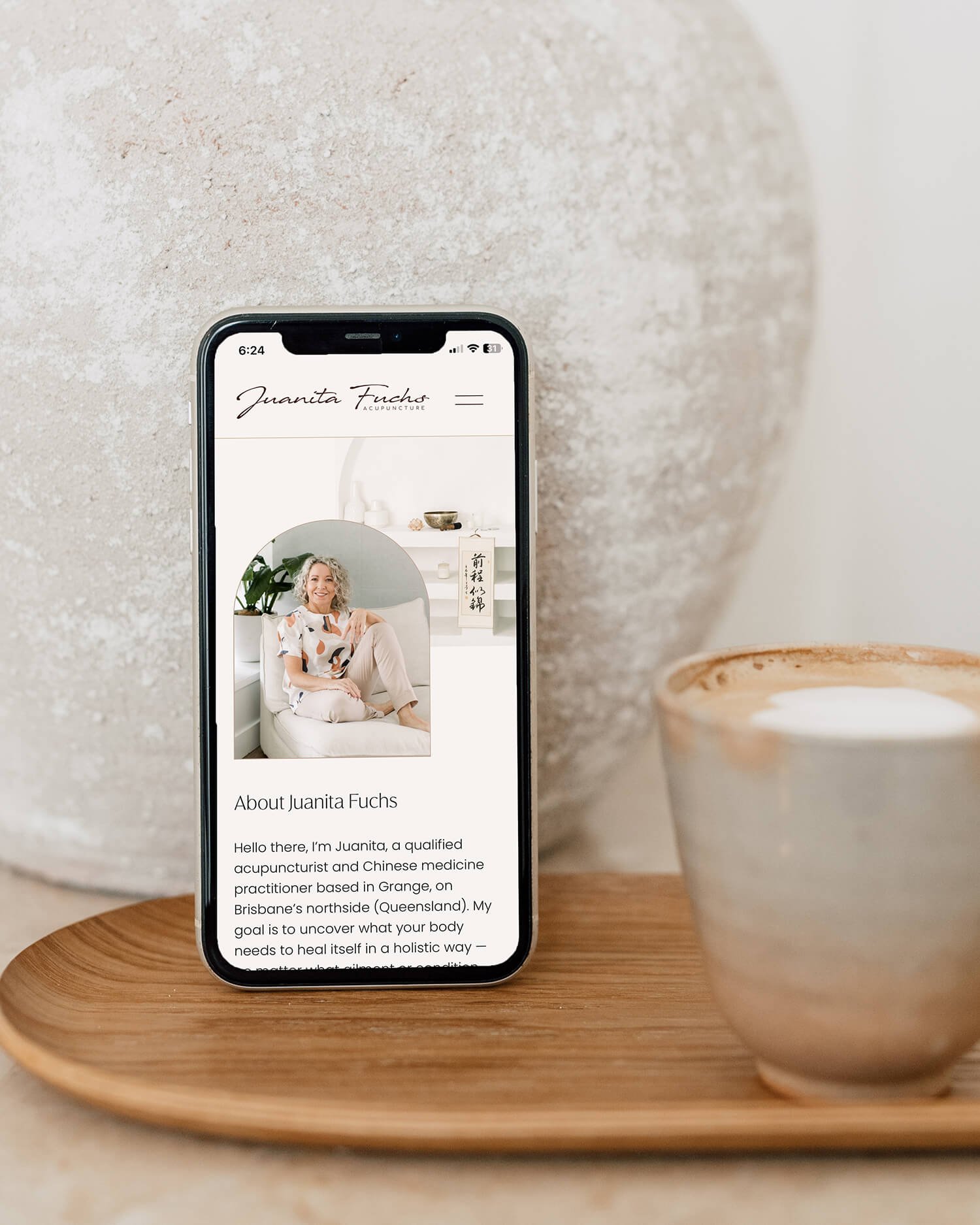
Juanita Fuchs Acupuncture – Brisbane Queensland, Australia
-

Pilates 101 Studio – Sydney, New South Wales, Australia
-
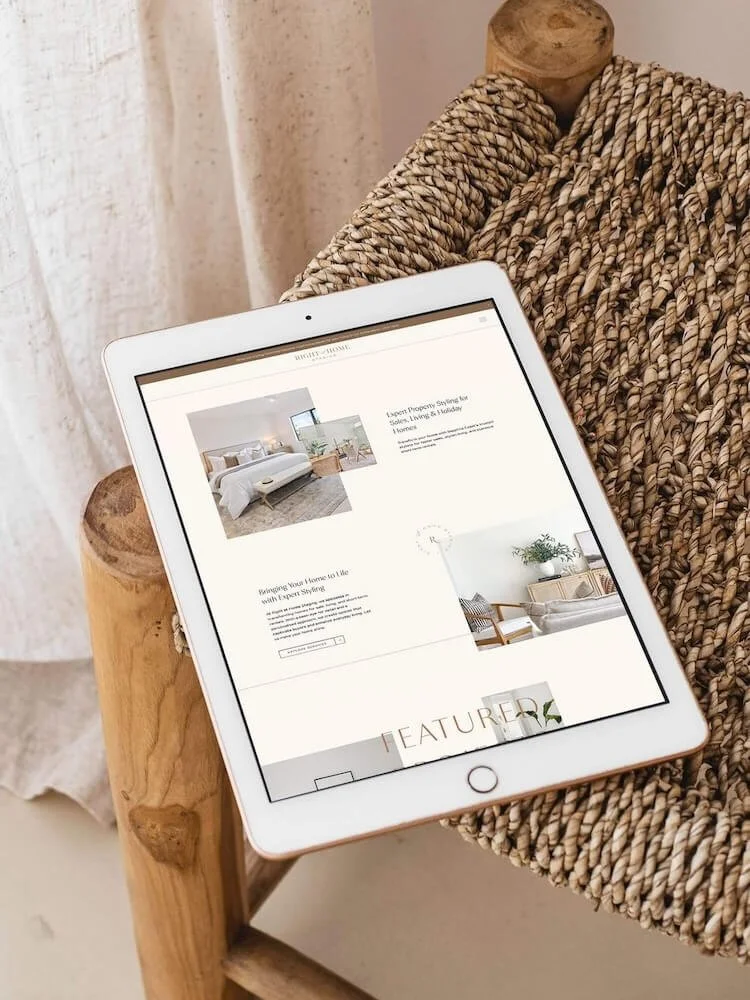
Right At Home Staging – property stylists, Bega Valley, New South Wales, Australia
-

Lifestyle Design Co. – Interior Design, Sydney, New South Wales, Australia
-
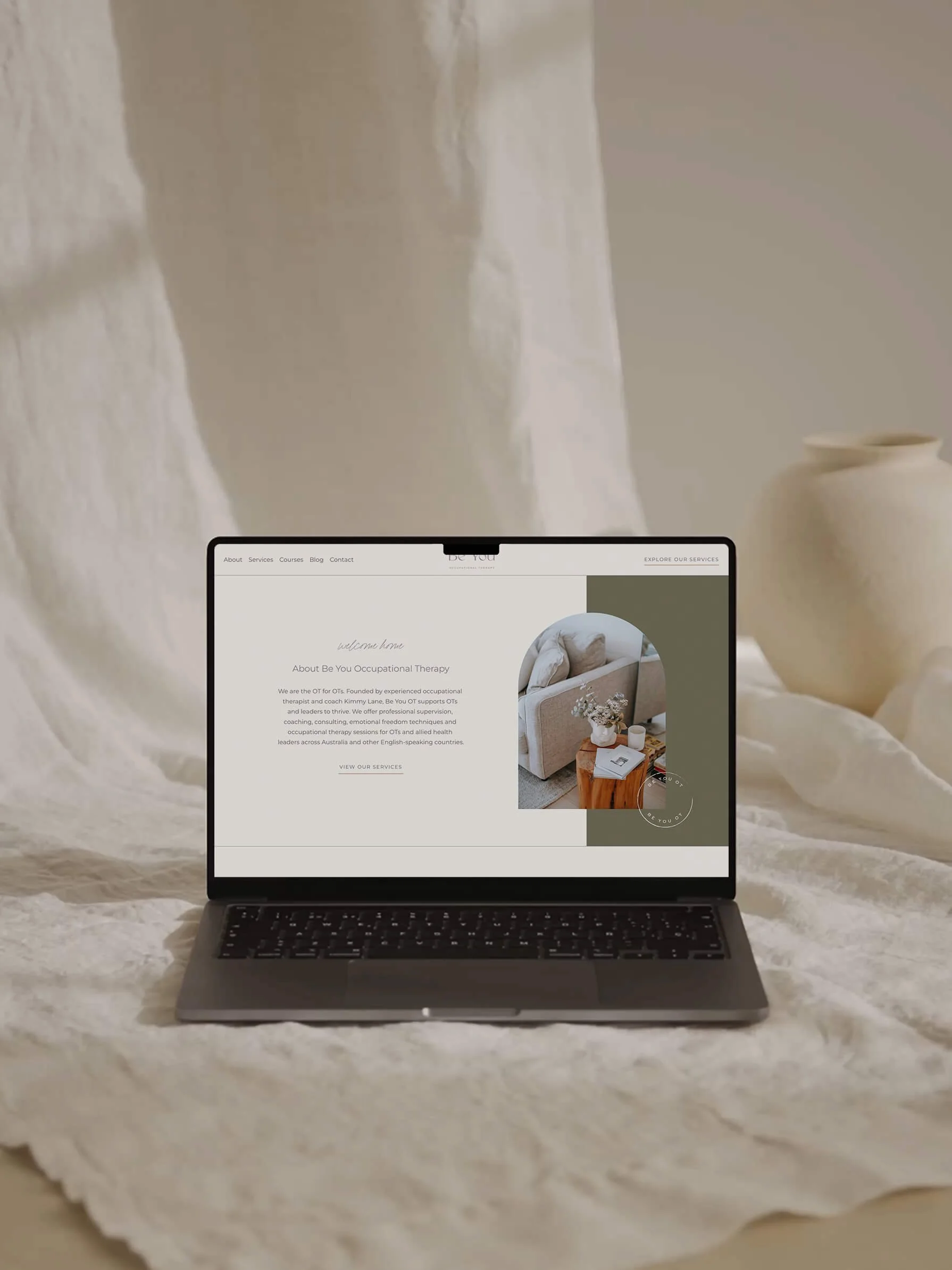
Be You Occupational Therapy – Brisbane, Queensland Australia
-
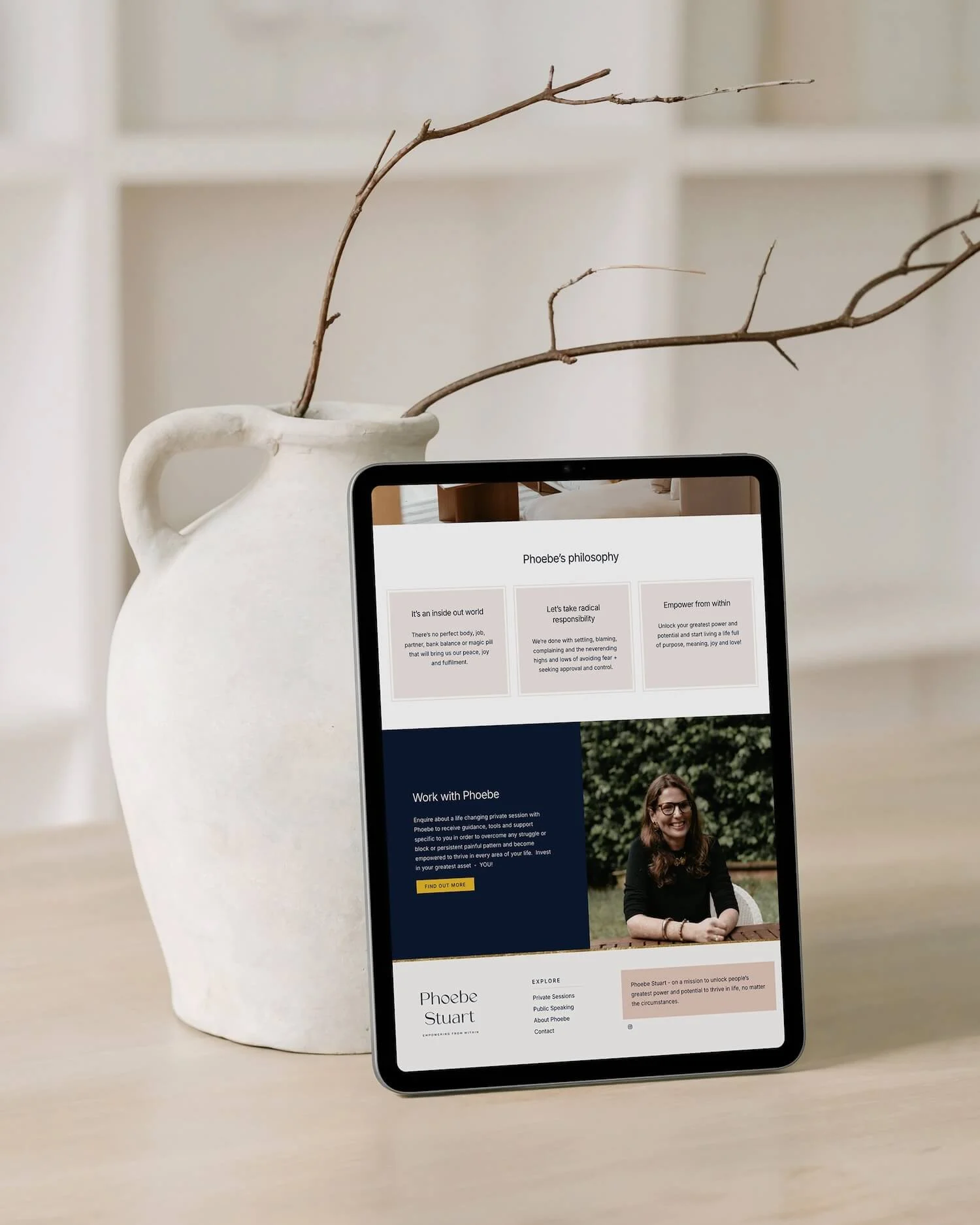
Phoebe Stuart – inspirational keynote speaker and coach, Brisbane Australia
-
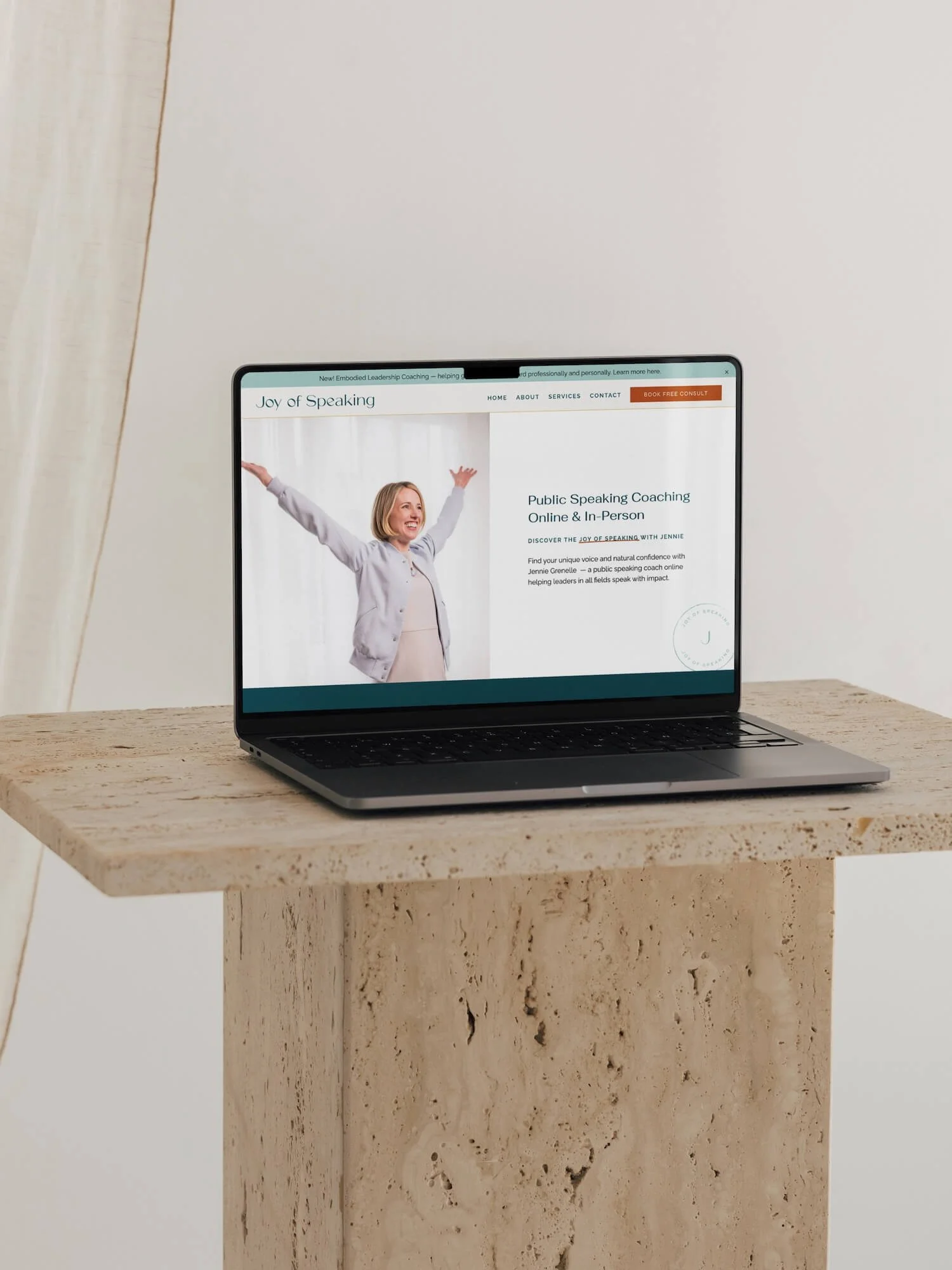
Joy of Speaking – public speaking coach, Vancouver Canada
-

Kim Kimball – coaching for neurodivergent entrepreneurs, United States
-

Our Carbon Farm, Victoria, Australia
-
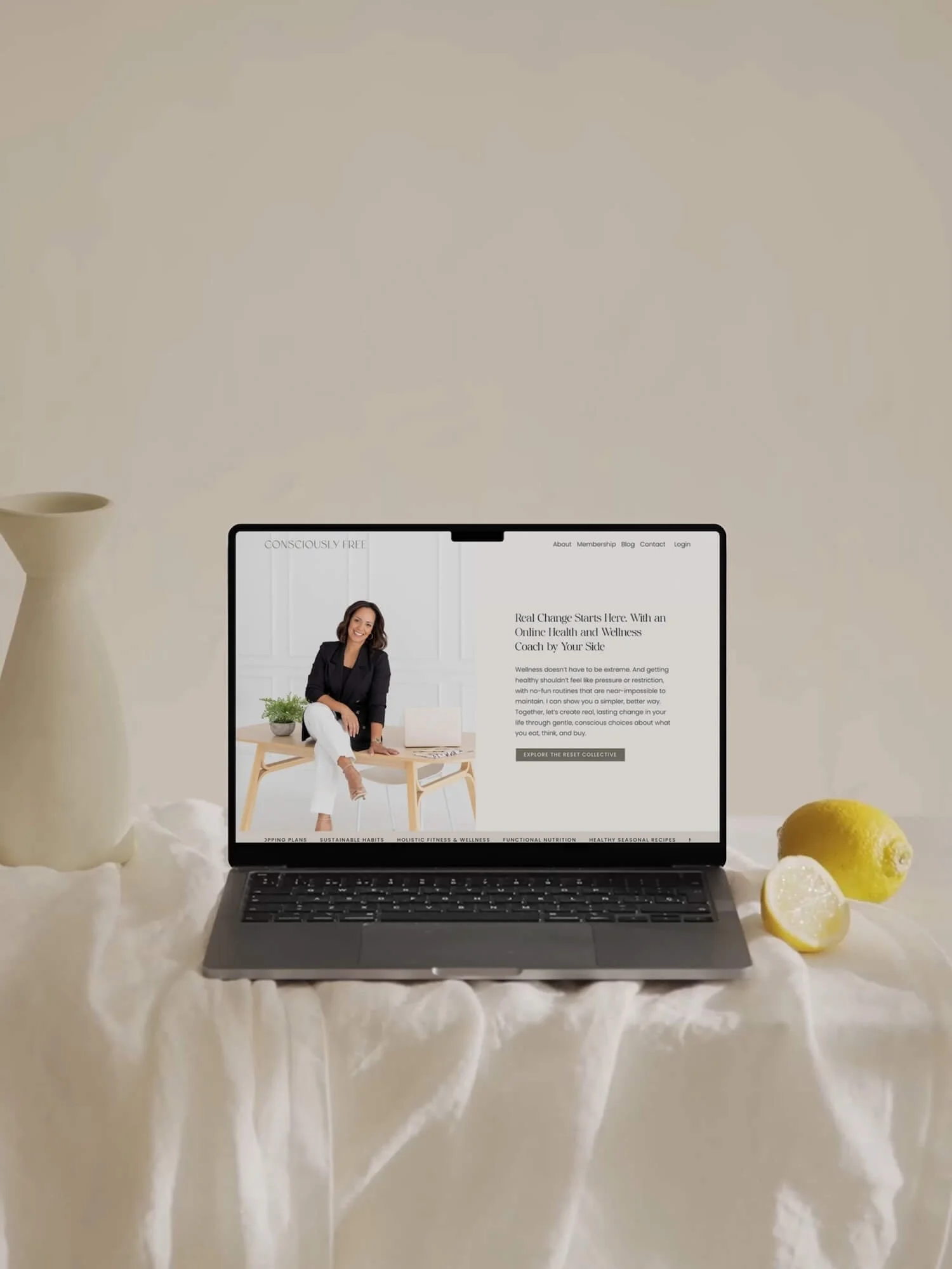
Consciously Free – certified nutritionist and holistic health and wellness coach, St. Petersburg, United States
-
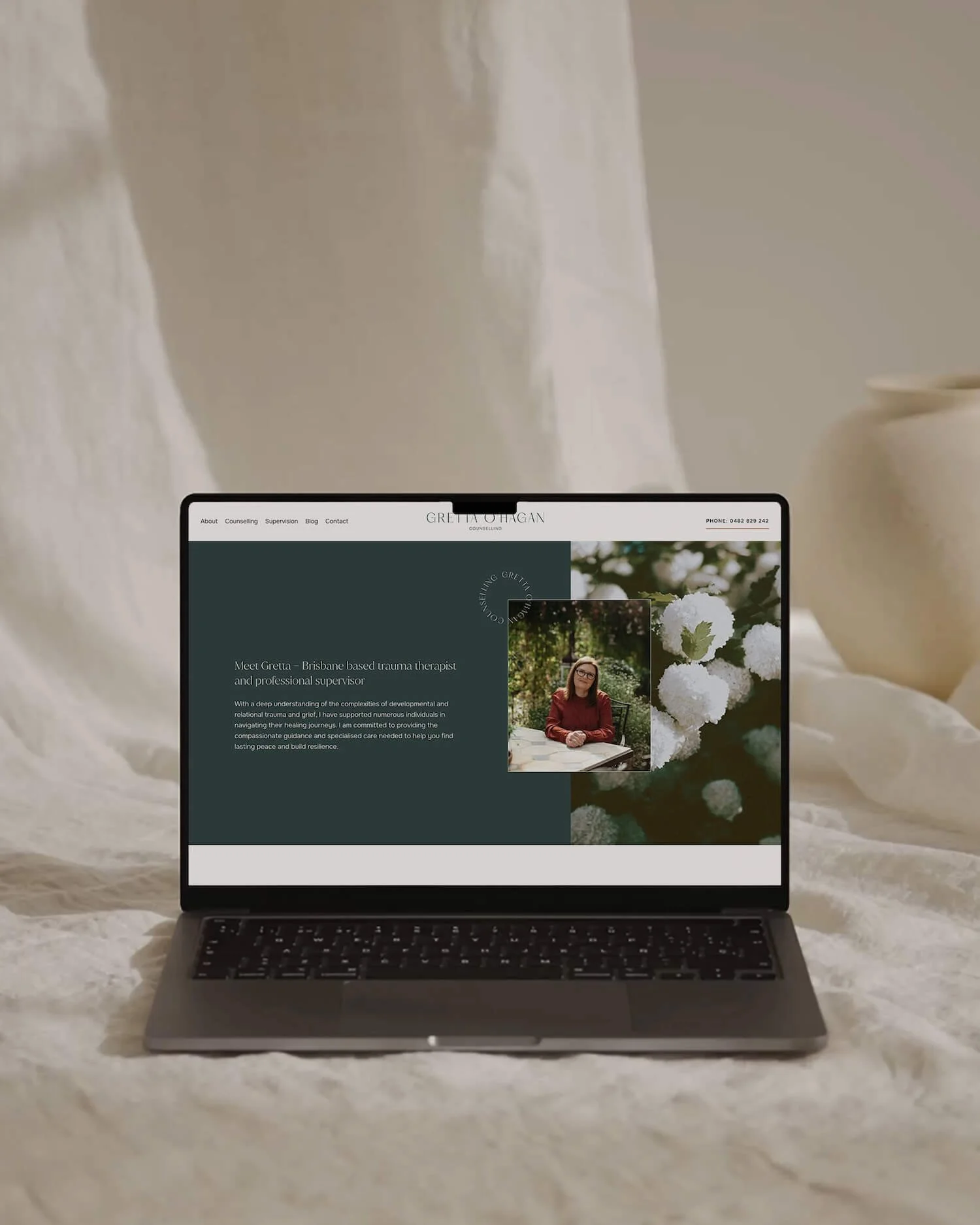
Gretta O’Hagan Counselling – holistic counsellor and somatic psychotherapist, Brisbane Australia
-

Forest 4 Forestdale – community conservation not for profit, Logan City Queensland Australia
-
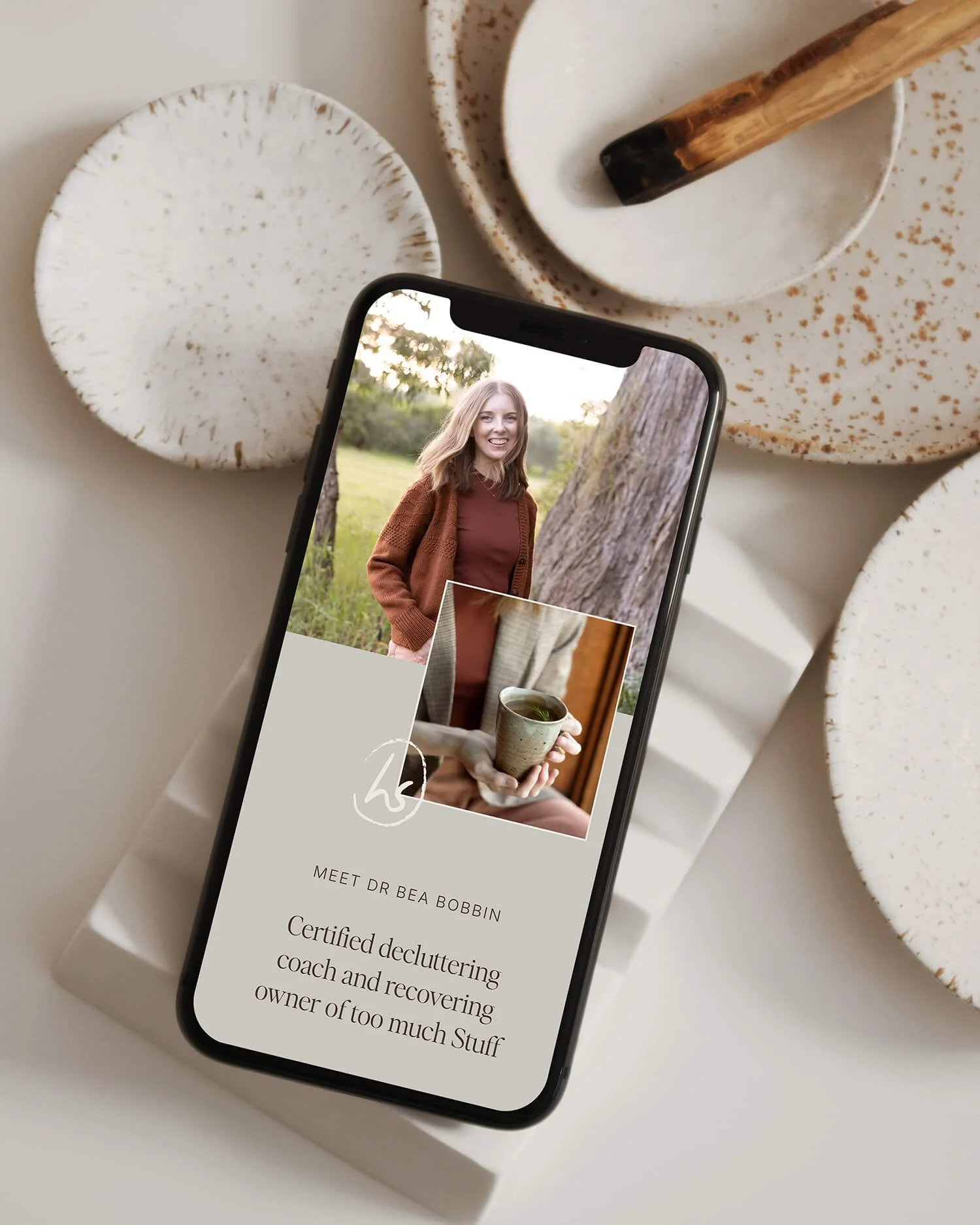
Hello Space – neurodivergent decluttering and home organising coach, Canberra Australia
-
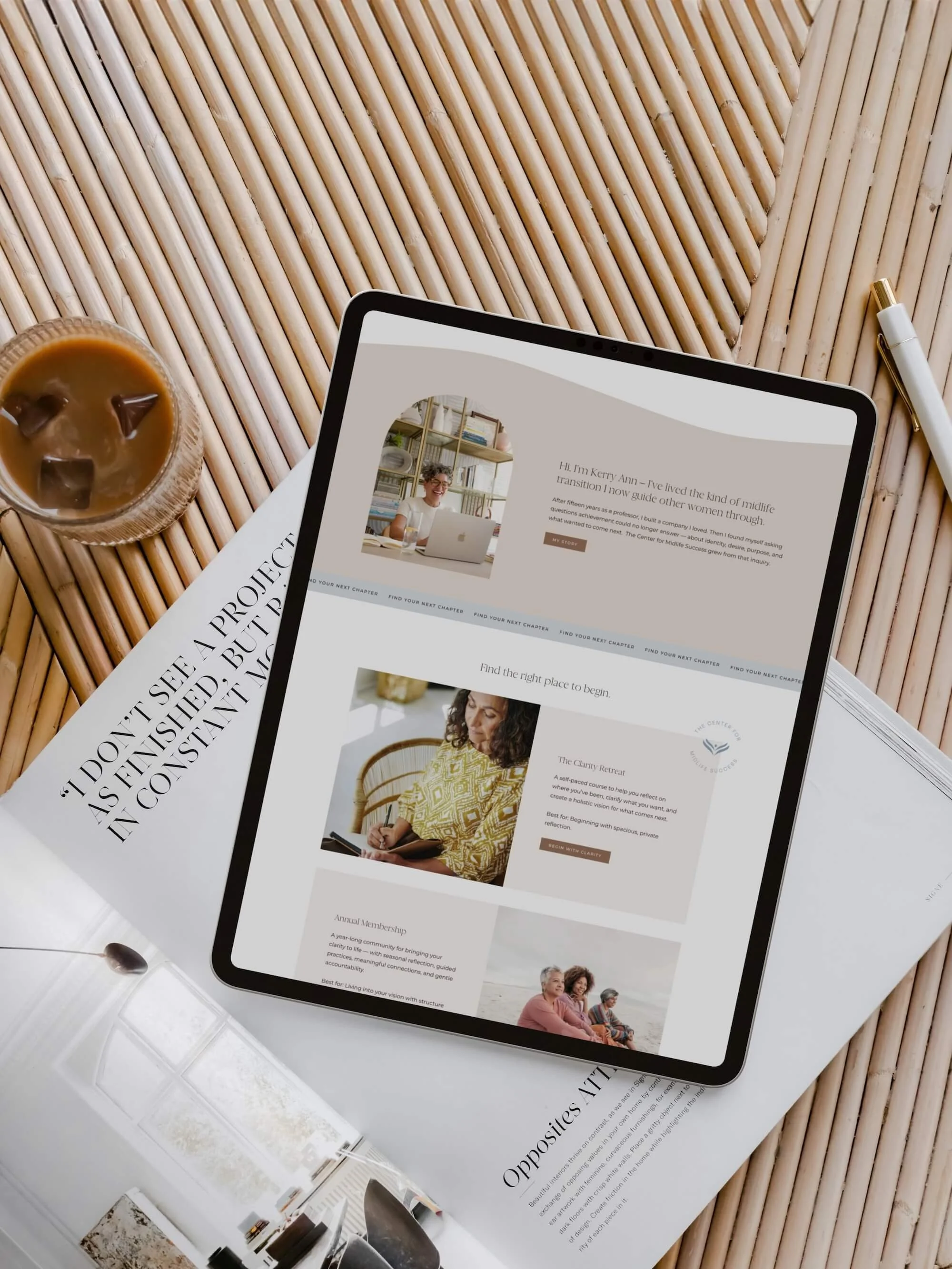
The Center for Midlife Success – coaching and courses for midlife women, United States
-
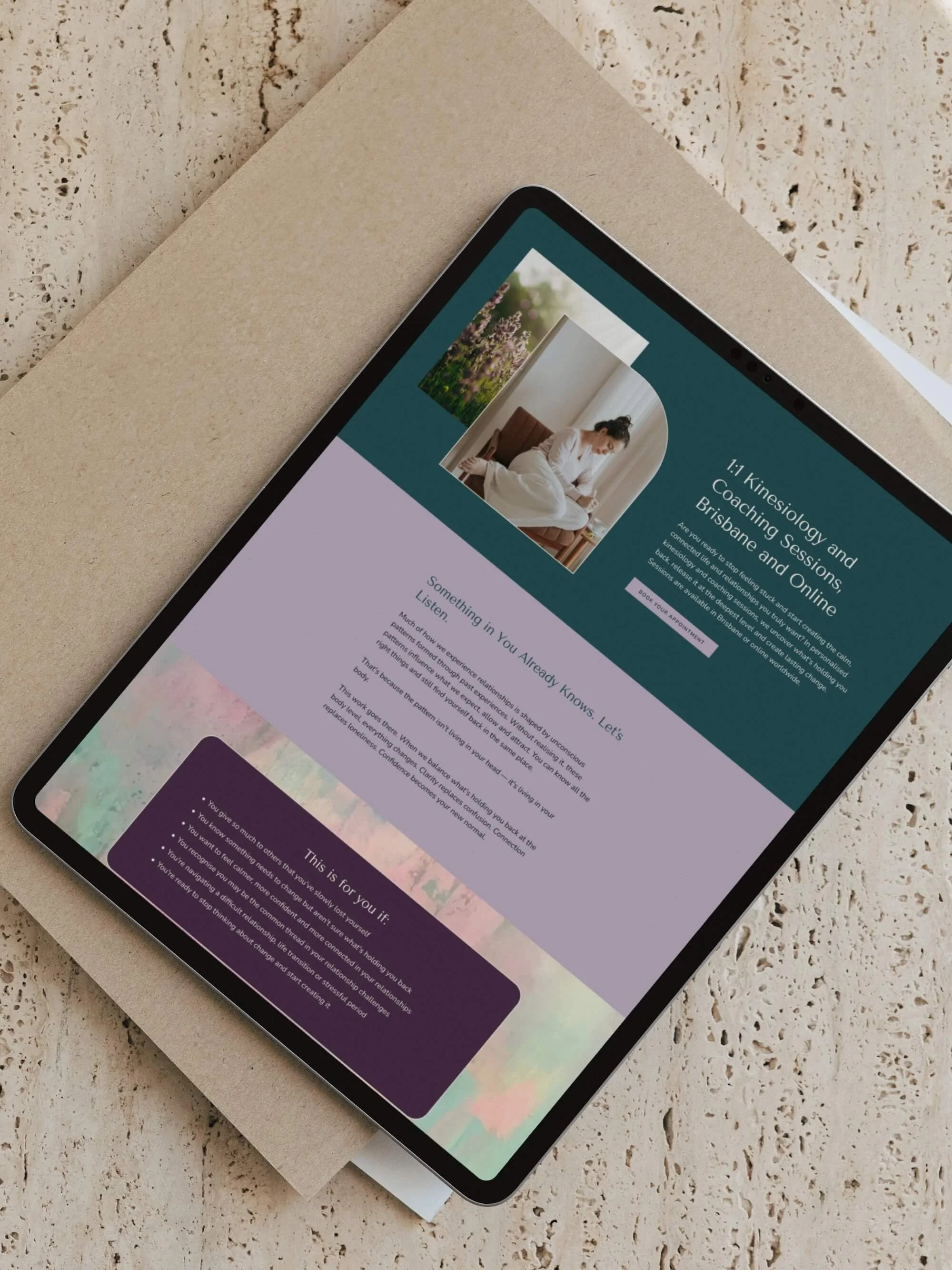
Alfina Lofaro – kinesiologist and relationship coach, Brisbane Queensland, Australia
Kind Words
-
"It helped me clearly communicate expectations and deliverables to clients with confidence."
The semi-custom website toolkit was a solid foundation for structuring my proposals and managing the entire workflow of my service. It helped me clearly outline each step, so I could communicate expectations and deliverables to clients with confidence. Having the workflow mapped out made it much easier to keep things on track and deliver efficiently within a tight timeframe. While I’ve customised parts to suit my style, the toolkit gave me the clarity and framework I needed to get my service up and running quickly. It’s a practical tool that saved me time and helped me stay organised throughout the process.
Desiree Bhullar – Website Designer
How to use the toolkit:
This toolkit is designed to help you deliver website projects sans the chaos or overwhelm.
-
Download the templates
Get instant access to the full collection of website design documents, email scripts and planners – the exact tools I’ve used to deliver 100+ websites.
-
Customise them with your brand
Simply add your studio name and branding to make the templates your own. I’ll show you exactly how to do this in the instructional videos (it’s super easy and fast).
-
Deliver projects with confidence
From the very first enquiry to the final handover, these documents guide your clients (and you) through every step of the process – helping you stay organised, set clear boundaries and deliver a professional, polished client experience.
Get started today
Get started today
Section Styles marquee-subheading
Inclusions and pricing
It is possible to build a web design business that feels spacious, kind and aligned with the way you want to work. These website designer document templates are here to support you. I can’t wait to see what you create.
Includes 11 beautifully designed, customisable templates:
Email script templates
Sales call questionnaire
Website proposal template
Website welcome guide template
Content planner
Image checklist
Technical questionnaire
Branding questionnaire
Home page feedback form
Website feedback form
Website handover template
Plus:
A one-week website design process template, including a project plan showing the big-picture flow of all six phases, plus an editable project checklist with every step laid out and ready to customise.
A behind-the-scenes walkthrough of exactly how I set up a shared Google Drive folder for my clients – including the structure, folders and naming conventions – so your clients always know where to find things and where to put them.
A recording of the exact video I share with my own clients to walk them through completing their content planner – including helpful tips for writing. Use this as a model to create your own client-facing walkthrough video.
Instant, lifetime access via our learning library
Choose between two payment options
option 1
1 time payment
$1,500 aud
(Roughly $1050 usd)
option 2
2 monthly payments
$850 aud
(Roughly $600 usd)
Please note that this toolkit does not include any guidance via email or direct message. If you feel you’ll need additional support, once enrolled, you can purchase a 45-minute chat with me at anytime and use this call to bring along questions and to ask me anything about the toolkit and process.
Frequently asked questions
-
Yes! You’ll receive a project schedule document that outlines the big-picture flow of my signature semi-custom, one-week website process – from first enquiry through to handover and follow-up. It’s like a roadmap to help you see how the pieces fit together.
But the real magic is in the templates themselves. You’ll get editable email scripts, questionnaires, and document templates for every stage of the process – the exact ones I’ve used for 100+ successful projects. These tools help you communicate clearly, set boundaries, and deliver a smooth, professional client experience from start to finish.
-
Yes! When you purchase the website design document templates, you’re also purchasing a license to use the exact wording inside the templates. These words have been crafted and refined through my experience creating 100+ websites, and they’re yours to use in your own client projects.
That means no more second-guessing or writing emails, proposals, or questionnaires from scratch. You can simply follow the templates, plug in your business and client details, and you’re good to go.
Please note: this license covers your client work only. The templates and wording cannot be shared, sold, or repurposed for use on your website (such as sales page copy), in blog posts or social media content, or as part of a paid resource (like courses or coaching).
-
Yes, you’re welcome to use the branding and images included in the templates as they are. All images have been sourced from royalty-free platforms, so you’re free to use them if they suit your project.
However, I always recommend adding your own branding, fonts, and imagery where possible to make the templates truly feel like yours and to create a cohesive client experience that reflects your business.
I’ve also included simple video tutorials to show you exactly how to customise the templates – so you’ll feel confident making them your own.
-
The toolkit includes everything you need to guide your clients through an entire semi-custom or one-week website project.
You’ll receive 11 customisable templates:
Email scripts – 14 pre-written, editable emails for every stage of the client journey, from enquiry to handover and beyond
Website sales call questionnaire – the exact questions I ask on sales calls to gather the right information and guide clients to the best package for them
Website design proposal template – a professionally designed, editable proposal that clearly outlines your process, pricing and results
Website welcome guide template – helps you onboard clients smoothly by setting clear expectations and boundaries right from the start
Website content planner – a structured guide to help clients gather and prepare the right content for their website, saving you hours of back-and-forth
Technical questionnaire – a simple template to collect technical details from clients (like domain access, logins, and hosting details)
Branding questionnaire – a template to collect your client’s brand details so their website feels aligned and cohesive with their overall brand
Image checklist – helps clients gather high-quality images for their website
Home page feedback form – a structured template that makes it easy for clients to give constructive feedback during the design phase
Website feedback form – a guided template that makes it easy for clients to give clear, constructive feedback during the review phase
Website handover guide template – a beautiful, clear document that helps you off-board clients professionally and leave them feeling supported
Plus, you’ll also receive a high-level website project plan and an editable project checklist with every step laid out.
Each template is editable and designed to save you time and give you a streamlined process to follow for every client project.
-
Each template’s format is outlined in the What’s Included section – but in short: Editable documents are provided in Google Docs or Canva, depending on the template.
You’ll receive instructional videos showing how to customise the templates to align with your own brand and client process.
-
You’ll feel more confident, reduce scope creep and delays, create a smoother experience for your clients and build a business that supports your creativity and wellbeing. Plus, you’ll save time and have happier clients who are more likely to refer you.
-
Yes! While the templates were made for semi-custom or one-week website projects, they can be easily adapted for custom projects, saving you lots of time, energy, stress and money. Just adjust the timelines and use the tools that best fit your workflow.
In fact, the process and templates will help you streamline and deliver any kind of design project with ease. This gives you double bang for your buck!
Here’s how one designer has used the toolkit to streamline her other offerings:
“I’ve incorporated Alana’s processes and templates into my custom and Design Day workflows, which has made those projects run more smoothly, too.” Susanne, website designer at Connect + Flourish.
-
No, this is not a website template. This is a collection of editable website design documents (like proposals, emails, and checklists) that guide you through running a semi-custom or one-week website project. It does not include a website template.
-
No – this toolkit helps you deliver a website using a semi-custom or one-week website model, but it doesn’t include any design training or lessons on how to create a website template or base design.
-
The great news about having your own design business is that you can do and offer whatever you like! You definitely don’t need to change your business model in anyway. You could simply add semi-custom, one-week websites as an additional offering. In fact, this is a great way to offer a medium price point for those clients who perhaps cannot afford or do not want to invest in a full custom project – so it actually opens you up to another market. I used to offer both custom and semi-custom projects. But over a couple of years, I transitioned to a full semi-custom model purely because I was enjoying it so much more than my custom projects. But I know other designers who offer both custom and semi-custom services.
-
Not at all. I actually find marketing semi-custom and one-week websites easier than selling custom design work. Because clients can see the design and understand the process upfront, it creates a real sense of clarity and safety – they know exactly what they’re investing in.
You definitely don’t need a big email list to book clients. My own list is quite small. Most of my bookings come from Google searches (thanks to SEO-optimised sales pages tailored to specific industries) and from referrals – because clients genuinely love both the final result and the process of working together.
With semi-custom websites, your offer is super tangible – and that can be incredibly compelling for the right clients.
-
Yes! While I design in Squarespace, the website design documents and client process are platform-neutral. These templates focus on the client experience – from enquiry to handover – and can easily be adapted for your platform of choice.
A few sections mention Squarespace (because that’s what I use), but you can simply swap in details for your preferred platform.
-
Due to the digital nature of these templates, all sales are final. Please purchase thoughtfully, and feel free to email me at alana@alanajadestudio.com if you have any questions before buying – I’m happy to help!
By purchasing, you agree to use the templates and wording only for your own client projects. The materials cannot be shared, sold or repurposed as website copy, blog content, social media posts or part of a paid resource (such as courses or coaching).
-
The toolkit is designed to be self-guided and easy to use – you’ll find everything you need in the templates and videos.
Email support is not included, but if you’d like extra help, you’re welcome to book a 1:1 mentoring session with me anytime once you’ve purchased the toolkit. These sessions are the perfect place to ask questions, get personalised guidance and refine your process. There is an additional cost for these sessions.
-
Lifetime access means you’ll have ongoing access to the toolkit for as long as it exists. If it’s ever closed or discontinued, you’ll be notified ahead of time and able to download everything before access ends.
Got more questions before you buy? Reach out to me directly at alana@alanajadestudio.com – I’m always happy to chat.