
How to get website content from clients (without the back and forth)
If you've been designing websites for a while, it’s very likely that at least once you would have run into the issue of a project coming to a standstill because the content hasn't arrived. Or it has arrived – just not in the correct format you need.
Instead of excitedly jumping into the creative process, you're now managing a slow, very frustrating back-and-forth, trying to piece together the content needed, all while your timeline unravels.
What I’ve come to realise, after creating 100+ websites, is that this usually isn’t a client problem – it’s a process problem caused by unclear instructions, communication and deadlines.
Most clients begin a website project genuinely unsure of what's expected of them. They know they need to provide "words and photos" but they have have little sense of what that actually means in practice.
As designers, it's our responsibility to educate and support our clients on exactly what they need to provide, and what high-quality content looks like.
It's about having the right process (and documentation) in place to support a smooth, collaborative working relationship.
If you’ve been wondering how to get website content from clients without all the hassle and back and forth, this article walks you through my proven process. So you receive all the content you need, on time and in the right format, giving you the confidence to move into designing and building without a thing missing.
Table of Contents
Why a website content collection process matters
My experience has shown me that when clients have high quality branding, photos and written words, it’s easier to create a beautiful site for them quickly, plus they get better results and see a much longer return on their website investment.
In fact, these days this isn’t just an ideal in my business, it’s a non-negotiable.
Have you ever paid attention to how much longer it can take to design a beautiful site for someone whose branding is lacking, photographs fall short and copy is poorly written? It can be difficult to get a good result.
High quality content makes your projects more enjoyable and ease-filled (and they often leave you with a project you feel proud to add to your portfolio).
They also result in the client having an online home they feel excited to share and offer you raving reviews about.
But the quality of your inputs isn't the only reason this process matters. When done well, it will also:
Save you time: A go-to sequence of steps and repeatable documents (content planning templates, email scripts, check-in calls) means you're not reinventing the wheel each time and you’re pre-empting client’s needs and questions.
Set clear expectations. Spelling out who is responsible for what – copy, branding, photography – means everyone is on the same page from the beginning and there are no surprises when design begins.
Keep the project on track. A shared content deadline with a plan for what happens if it's missed stops timelines from unravelling.
Make communication easy. Deciding upfront where and how you’ll share content means less back and forth, things being overlooked or lost in email threads.
Where website content collection normally goes wrong
In my experience, breakdowns at the content collection step in the project usually happen because:
Clients don't know what they actually need to provide. How many images? What format? Copy for which pages, in what structure? Without clear instructions, they'll make a best guess – and that guess is rarely what you need.
The quality isn't good enough. Even when content arrives on time, it might not be usable. Have you ever had any of these happen? Photos taken on a phone in poor lighting. Copy that's thrown together using AI only with no editing or thought. Brand assets in the wrong file type. None of this is the client's fault – they just don’t know the standard you need.
It arrives late – or in dribs and drabs. When clients don't have a structured process to follow, a defined timeline and a specific space to save information, content tends to trickle in over time and sent randomly via email or text message. This makes it nearly impossible for you to build efficiently and ultimately ends up putting your timeline at risk.
Clients underestimate what's involved. Most clients have no real sense of how much time and effort their side of the project requires – especially for busy small business owners who are doing everything themselves. When they haven’t allowed enough time in their schedule for a website project, things get left to the last minute and the quality suffers.
The single most effective thing you can do to mitigate this is to develop a clear content collection process that you can repeat over and over again for every client. You could build this yourself from scratch, or keep reading as I share the process I've refined across 100+ website projects.
The website content collection process
Step 1: Start the content conversation early
This step sits within your broader web design client onboarding process. The sales call is often where the first expectations around content collection are set. This is your opportunity to educate a potential client on what a successful website actually requires.
I think of a good website as needing three key ingredients: professional branding, quality photography and well-written copy. On every sales call, I talk the client through these ingredients and find out where they currently stand with each one, listening carefully for any gaps.
Are they working with a photographer before the project starts? Do they have a complete brand kit, or just a logo they put together in Canva? Have they thought about their copy, or are they hoping you'll help with that?
These conversations allow you to tailor your proposal accordingly – to include colour palette selection, stock photo curation, or a recommendation to work with a copywriter before the build begins.
Step 2: Set expectations and timelines
Website projects have a way of feeling deceptively simple from the outside. A client might imagine it's mostly your job, with them just reviewing things along the way.
Where as, you know, in reality they'll need to write copy for multiple pages, gather professional imagery, organise brand assets and answer a raft of other questions. This can come as a bit of a shock if it hasn't been explained clearly upfront.
After each sales call, send a proposal to the client outlining everything you discussed in your call.
This is where your client's responsibilities should be clearly spelled out in writing. This includes the content they're expected to provide, the timeline for providing it and an honest estimate of how much time they'll need to set aside.
When a client can see exactly what's expected of them before they sign, they come into the project informed and prepared – which makes everything that follows much smoother.
Step 3: Choose tools clients already know how to use
So many website content collection tools are unnecessarily complex. They're built on fancy systems, requiring clients to learn new technology, create accounts and navigate unfamiliar interfaces before they even start creating their content.
Adding another tool for your client to learn is just another hurdle between them and getting started. And when clients feel overwhelmed, they often procrastinate. We all know where that leads: delayed content, delayed projects and a lot of unnecessary stress on both sides.
Familiar tools like Google Docs and Google Drive work beautifully for this reason. Most small business owners already know how to use these tools and therefore there’s nothing standing in the way of them getting started.
Simply create a shared Google Drive and ask your client to save all their content in this one central location.
Step 4: Provide clients with a content collection pack
One of the best things you can do for your clients – and honestly, for yourself – is to give them a content pack to work from. This is a clear, structured set of documents that walks them through each of the ingredients they need to prepare – copy, images, branding and other technical bits and pieces.
Here’s what I include in mine:
A content planner
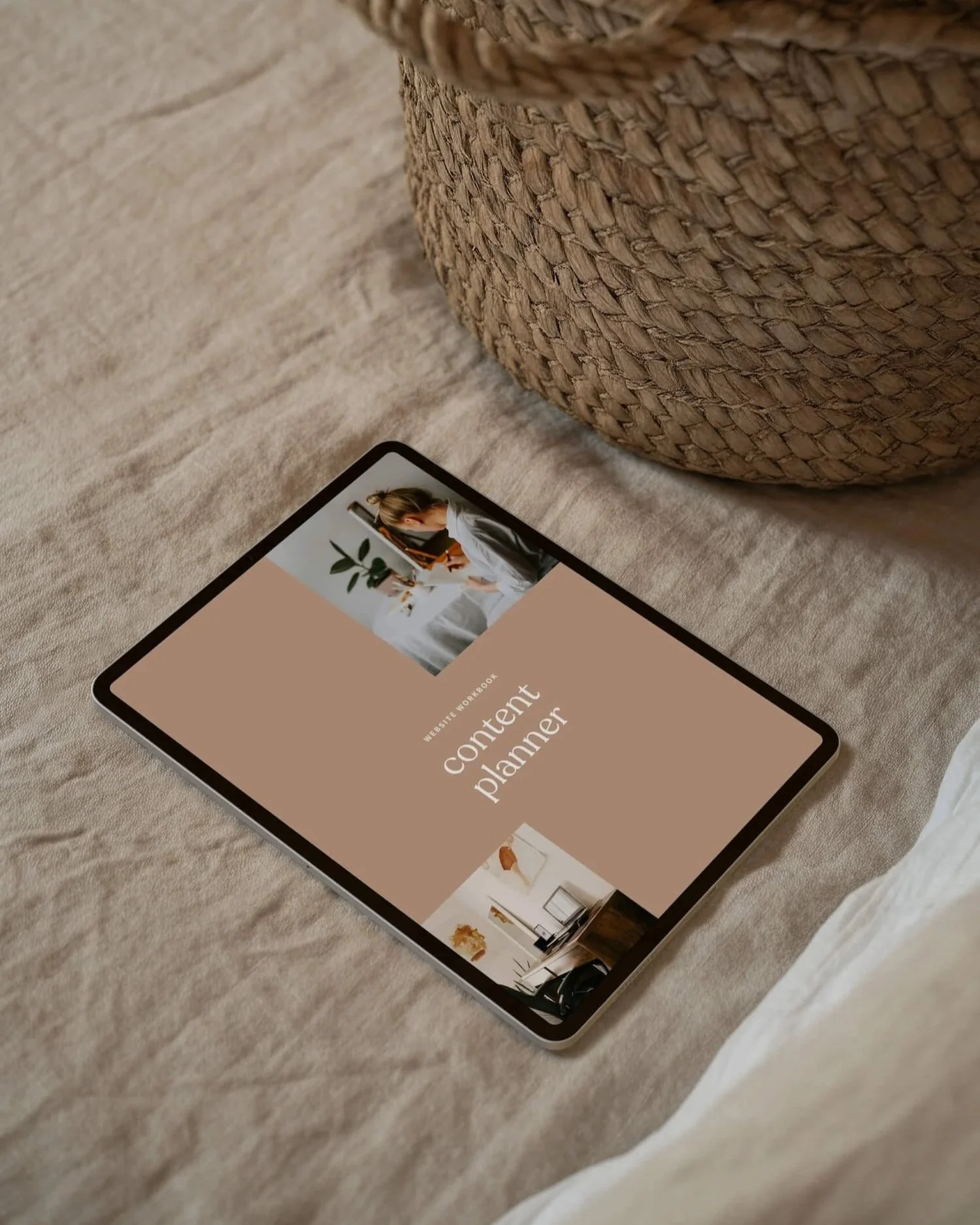
A content planner walks your client through every page of their website and tells them exactly what copy they need to write, how much of it, and any guidance for how to approach it. Rather than handing a client a blank brief and hoping for the best, a content planner gives them a clear structure to fill in – so the copy that arrives actually fits how you design.
An image checklist
The image checklist removes the ambiguity by telling clients exactly what photos they need, in what format, at what resolution, and what each image will be used for on the site. I also love giving clients the option to nominate their favourite images or leave the selection up to me so they can be involved as much or as little as they like in the image selection process.
A branding questionnaire
This document gathers everything you need to understand a client's brand before you start designing: their branding guide, colour palette, fonts, logo files (in the correct formats), brand personality and any design references they love or want to avoid. Plus it will give you clarity on how your client wants their branding applied to the website so you can move into design phase with confidence.
A technical questionnaire
This one covers the technical information you need to install and configure a website: domain registrar, hosting setup, email marketing integrations, booking systems, login credentials and anything else that needs to connect to the new website. It ultimately ensures you have the access you need so the website build runs smoothly and without delays.
Together, these four documents do a significant amount of work. They set clear expectations, give clients a concrete to-do list, and ensure what arrives in your inbox is actually what you need.
These documents don't need to be complex. Create them in Google Docs and save them directly into your shared Drive folder. You can grab an exact copy of the website content collection pack I use here.
If you're looking for a complete system with proposals, contracts, email scripts and more, these documents, along with the content collection pack are included as part of the website designer document toolkit.
Step 5: Regularly check-in with your client
When a client receives a stack of documents, planners and deadlines, it can feel overwhelming – even if each individual document is clear and easy to follow. And when overwhelm kicks in, procrastination usually follows.
There’s a few points in the process where it can be super valuable to check-in with the client.
Right at the beginning
Book a kick-off call with the client at the very start of the project, just after you’ve sent the content pack. Walk through each document together, explain what each section is for and answer any questions before they become blockers. It's an opportunity to check in on how the client is feeling about everything they've received and ease any anxiety they're carrying about what's expected of them.
By the end of it, your client usually feels far more in control and ready to dive into the work – rather than leaving the documents sitting untouched in their inbox.
just before their content due date
Scheduling a check-in call a few days before the client’s content is due acts both as a reminder to the client and also an opportunity for them to ask any final questions that might have come up as they are finalising their content. The call doesn’t have to be long but can make a big difference to how supported the client feels (and how smoothly the project runs).
Book this call in advance, as soon as the project is confirmed. That way, the client has everything clearly laid out in their calendar from day one, and it avoids the back-and-forth of trying to coordinate availability later.
Step 6: Don't begin design until all content is received
In those times when content is delayed, it can be super tempting to make a start with what you have, assuming the rest will arrive. But designing and building without all the assets you need almost always leads to rework.
As such, I recommend that you draw a firm line in the sand here and do not begin design or development until all content is received from the client. That means no "just start and I’ll send it later.” This is a web design boundary in action – and one of the most important ones to protect.
In my own studio, I primarily follow a website in a week model. As such, I require all content to be delivered on the Friday before we kick off the following week. This gives clients a natural buffer over the weekend if they've run a little close to the deadline, and it means I can review everything properly before I begin.
My contract also includes clauses and fees for delays and rescheduling. Clear terms mean you don't have to negotiate these things mid-project when you’re feeling stressed about the project going off the rails.
I share more about how to keep your web design projects on schedule in this article.
Common website content collection mistakes to avoid
Watch out for these mistakes. I’ve made all of them at one time or another (wink!).
Not being clear with the client around what’s involved. Be upfront from the very first conversation around what responsibilities they have and how much time it will take.
Assuming your client knows what you need. The more specific and structured your guidance, the better the content you'll receive.
Scattering requests across email, text message, forms and file-sharing tools. When clients aren't sure where to look or what to do next, they do nothing. Keep everything in one place.
Accepting partial content and hoping the rest will come in during the build. It rarely does arrive on time, and working around gaps is always more disruptive than waiting.
Making your content collection system too complicated. If a client needs a tutorial just to get started, the system is working against you. The best system is the one clients will actually finish.
Being vague about what "good" content looks like. Providing specific prompts and examples will lead to much higher quality content being provided.
Create a process you can repeat every time
The best thing about building a solid website content collection process is that you only have to figure it out once. Then you can just repeat the same steps for every new client.
And, hopefully from this article, you’ve seen that it doesn't need to be elaborate.
All you need is a few well-designed documents, a shared Drive folder, a couple of check-in calls at key milestones and a clear deadline.
When clients know exactly what's expected of them and feel supported through the process, the content that arrives is better – and the whole project runs more smoothly as a result.
Helpful resources to get you started
If you are a website designer and want a calmer way to gather better content from clients, you might find the website content gathering templates are a practical next step. They are designed to help you streamline content gathering, reduce back-and-forth, and collect the inputs you need before design starts.
If you are also refining the earlier stages of your process, you may find these articles helpful as well: how to get web design clients and website design onboarding.
Frequently asked questions about collecting website content from clients
-
Use one central, simple system with page-by-page prompts, templates, and clear examples. A shared folder in Google Drive with editable Google Docs is often enough for most client content collection. Try not to overcomplicate the system as it can just create another hurdle or roadblock for the client, preventing them from getting their client to you on time.
-
Content in website design includes website copy, images, brand assets, testimonials and technical details. It is the material that helps shape the design.
-
Content should always come first, or at least be final before the website build begins. Final copy helps you create better layouts, stronger hierarchy and fewer revisions than designing around placeholder text.
